
A large PDF can slow down your entire workflow.
You finish a report, presentation, or contract, click upload — and suddenly:
“File size exceeds the limit.”
The usual solution?
Search for an online PDF compressor.
Upload the file.
Wait.
Download the compressed version.
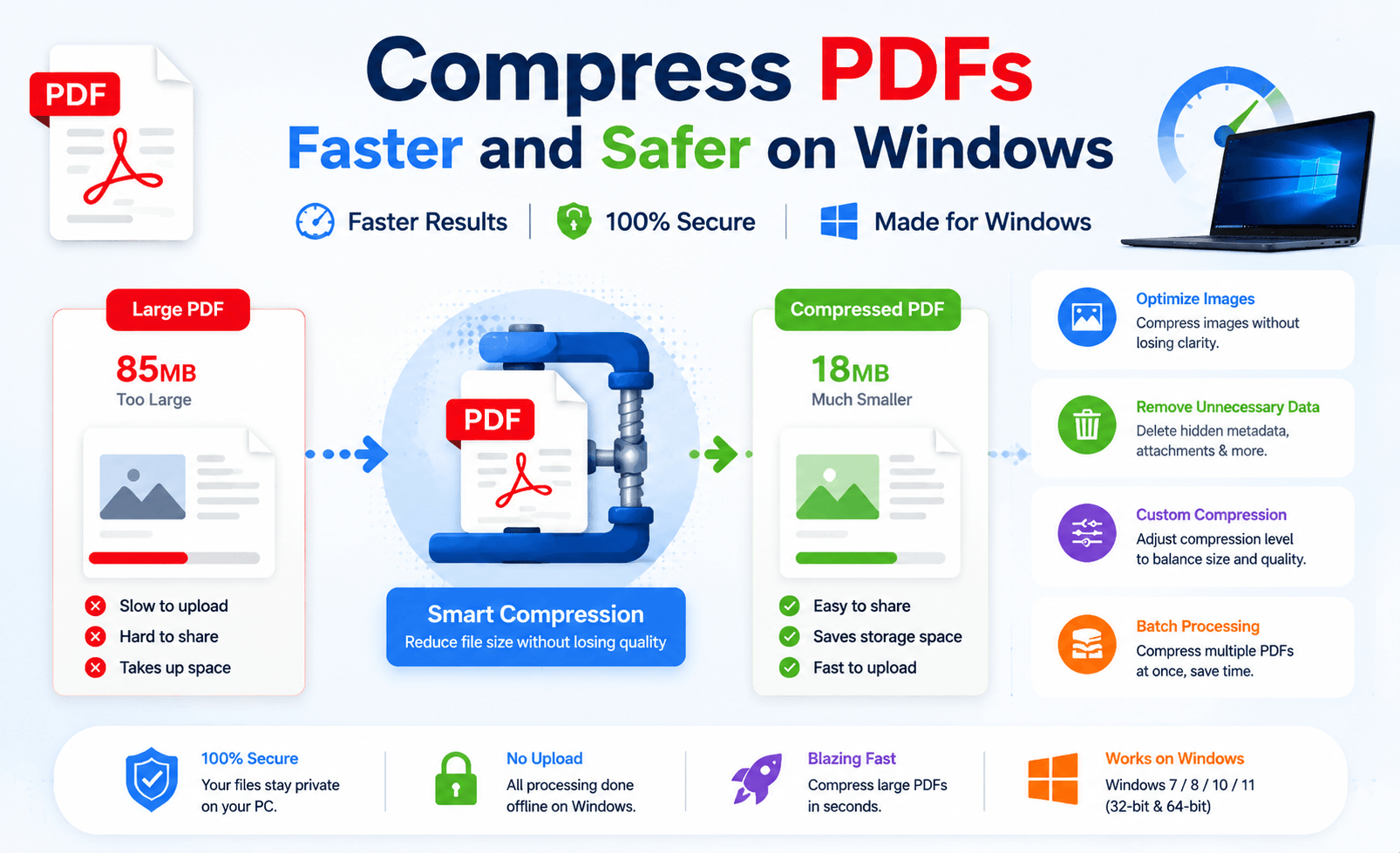
It works, but is it really the best way?
For Windows users, PDF compression is not only about reducing file size. A better solution should also consider:
⚡ Speed
🔒 Privacy
📄 Quality
💻 Workflow efficiency
The goal is simple:
Make PDFs smaller without making your work harder.
Why PDF Compression Needs a Smarter Approach
Many people judge a compressor by one number:
“Before: 50MB. After: 5MB.”
But file size is only part of the story.
A good PDF compression tool should also maintain:
✅ Clear text
✅ Readable images
✅ Original formatting
✅ Reliable performance
A tiny PDF that looks blurry or loses important details is not a successful compression.
Online PDF Compressors: Convenient, But Not Always Practical
Online tools are popular because they are easy.
No installation.
No setup.
Just open a browser and upload your file.
For quick, non-sensitive documents, they can be useful.
However, they also come with limitations.
⏳ 1. Upload Time Slows Down Large Files
Online compression requires extra steps:
PDF → Upload → Server Processing → Download
For small documents, this is fine.
But large PDFs can become frustrating.
A 200MB file may spend more time uploading than actually being compressed.
🔐 2. Your Files Leave Your Computer
Not every PDF should be uploaded.
Consider documents like:
🔵 Business contracts
🔵 Financial reports
🔵 Customer files
🔵 Internal documents
With online tools, your files must be transferred to an external server.
For privacy-focused users, local processing is often a safer choice.
🎛 3. Less Control Over Results
Many online compressors offer only basic options:
Low
Medium
High
But users often cannot see:
🔵 How images are optimized
🔵 What data is removed
🔵 How quality is preserved
Simple is convenient, but control matters.
Offline PDF Compression: A Better Workflow for Windows
Desktop PDF tools work differently.
Instead of sending files to the cloud, they process documents directly on your computer.
The workflow becomes:
Open PDF
↓
Compress locally
↓
Save instantly
No upload.
No waiting for network speed.
No browser restrictions.
LeoPDF: Simple PDF Compression Without Uploading
For Windows users who regularly handle PDF files, LeoPDF provides a practical offline solution.
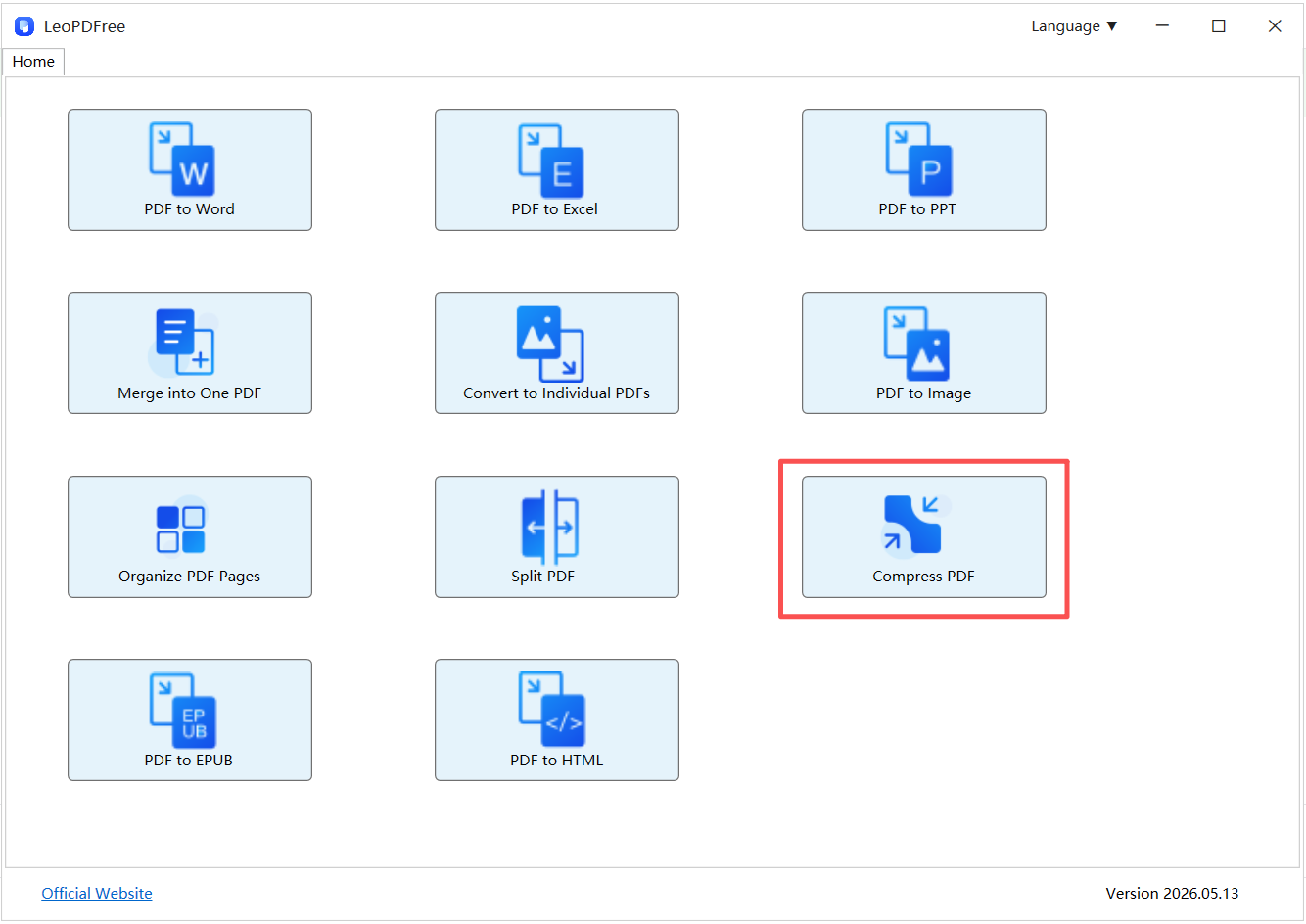
Free DownloadSecure Download
It focuses on what most users actually need:
📉 Reduce PDF size
🔒 Keep files local
⚡ Handle large documents more reliably
🖥 Work directly on Windows
Unlike online compressors, LeoPDF does not require uploading documents before processing.
This makes it suitable for:
📄 Work reports
📚 Large PDF documents
🔐 Private files
📊 Business materials
Online vs Offline PDF Compression
| Feature | Online Compressors | Offline Tools (LeoPDF) |
|---|---|---|
| Installation | Not required | Required |
| File Upload | Yes | No |
| Privacy | Depends on service | Files stay local |
| Large PDF Speed | Internet-dependent | More stable |
| Workflow | Quick tasks | Regular use |
How to Compress PDFs More Efficiently
A smarter PDF workflow is simple:
1. Compress Before Sharing
Reduce file size before:
📧 Email attachments
☁ Cloud uploads
📤 Online submissions
Avoid last-minute problems.
2. Avoid Repeated Compression
Compressing the same file multiple times may reduce quality.
Better approach:
Original PDF → One optimized compression → Final file
3. Choose the Right Tool
Use online tools when:
✔ The file is small
✔ The document is public
✔ You need a quick solution
Use offline tools when:
✔ Files are large
✔ Documents are private
✔ You compress PDFs regularly
Final Thoughts
PDF compression should save time, not create extra steps.
Online compressors are convenient, but they depend on internet speed and require file uploads.
For Windows users who want a faster and safer workflow, offline tools provide a more reliable solution.
With tools like LeoPDF, PDF compression becomes a simple local process:
Less waiting.
More privacy.
Better control.
Because the best compressor is not only the one that makes PDFs smaller —
It is the one that helps you work smarter.
Free DownloadSecure Download
