
Splitting a PDF sounds simple.
But if you’ve ever ended up with broken formatting, missing pages, or a folder full of confusing file names, you already know there’s a right way—and a wrong way—to do it.
In 2026, professional PDF workflows aren’t about working harder. They’re about working smarter.
👉Here’s how to split PDF files like a pro.
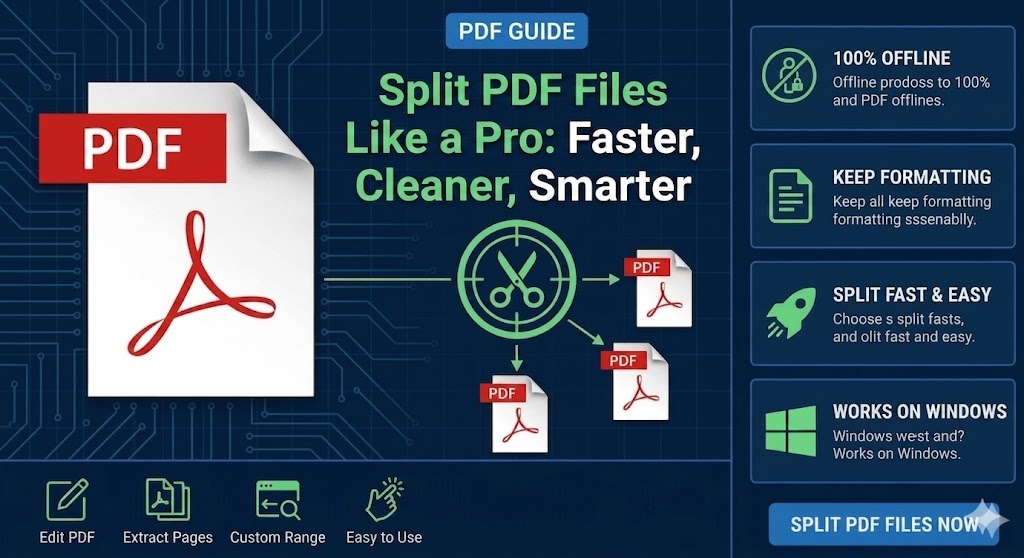
Why PDF Splitting Matters
A well-organized PDF workflow helps you:
🔵 Share documents faster
🔵 Reduce file size
🔵 Improve document management
🔵 Protect sensitive information
🔵 Increase productivity
Whether you’re handling contracts, reports, invoices, or eBooks, proper PDF splitting can save valuable time.
Think Beyond “Split Every 10 Pages”
One of the biggest mistakes users make is splitting PDFs randomly.
Professional users split based on structure, not page count.
Examples include:
🔵 Chapters
🔵 Project sections
🔵 Financial statements
🔵 Client records
🔵 Appendices
The result is cleaner, more meaningful files that are easier to manage later.
The Smartest Method: Use an Offline PDF Splitter
For most users, an offline PDF splitter offers the best balance of speed, privacy, and reliability.
Tools like LeoPDF allow you to:
🔵 Split by page range
🔵 Extract selected pages
🔵 Reorder pages before or after splitting
🔵 Create multiple PDFs at once
🔵 Preserve original formatting
🔵 Use all features completely free
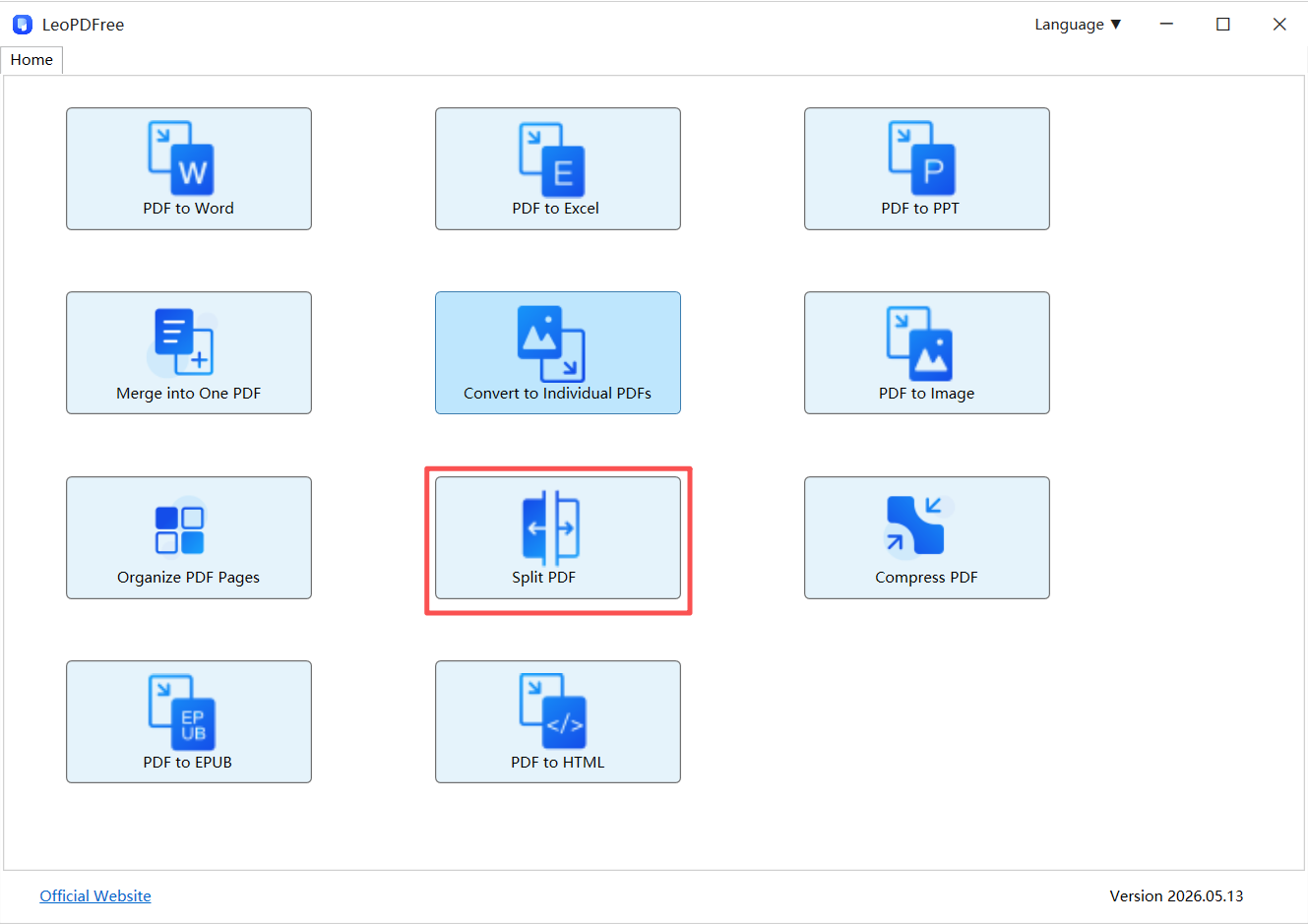
Free DownloadSecure Download
👉Because everything happens locally, your documents never leave your computer.
Why Professionals Prefer Offline Tools
| Offline Tools | Online Tools |
|---|---|
| No upload required | Upload required |
| Better privacy | Files leave your device |
| Faster for large files | Internet-dependent |
| More stable | Browser limitations |
When dealing with business documents or sensitive information, local processing is often the smarter choice.
Faster: Minimize Unnecessary Steps
Many users:
1️⃣. Export
2️⃣. Reopen
3️⃣. Re-export
4️⃣. Rename files manually
Professionals simplify the process.
A good workflow should require:
🔵 One import
🔵 One split operation
🔵 One export
Less processing usually means fewer errors.
Cleaner: Preserve the Original Structure
Instead of rebuilding a PDF from scratch:
👉 Extract pages directly.
This helps preserve:
🔵 Layout
🔵 Fonts
🔵 Images
🔵 Metadata
🔵 Document quality
The fewer changes made to a PDF, the more consistent the results.
Smarter: Protect Your Files
Privacy has become increasingly important.
Before uploading a PDF, ask yourself:
Does this document contain:
🔵 Client information?
🔵 Financial data?
🔵 Contracts?
🔵 Internal reports?
If the answer is yes, an offline workflow is often the safer option.
Quick Comparison
| Method | Speed | Quality | Privacy |
|---|---|---|---|
| Screenshots | Low | Poor | Medium |
| Online Splitters | Good | Good | Low |
| Offline PDF Tools | Excellent | Excellent | Excellent |
Final Takeaway
If you want to split PDF files like a professional:
✔ Split based on document structure, not guesswork
✔ Use offline tools like LeoPDF whenever possible
✔ Extract pages instead of rebuilding PDFs
✔ Keep sensitive files on your own device
✔ Minimize unnecessary processing steps
👉 Professional PDF management isn’t about using more tools.
It’s about making fewer changes while preserving more of the original document.
