
A PDF may be ready to send—but that doesn’t mean every page belongs in the copy you’re sharing.
Internal notes, pricing details, draft pages, or private information can easily end up in a document intended for a client or colleague.
The simplest solution is to remove information that the recipient doesn’t need.
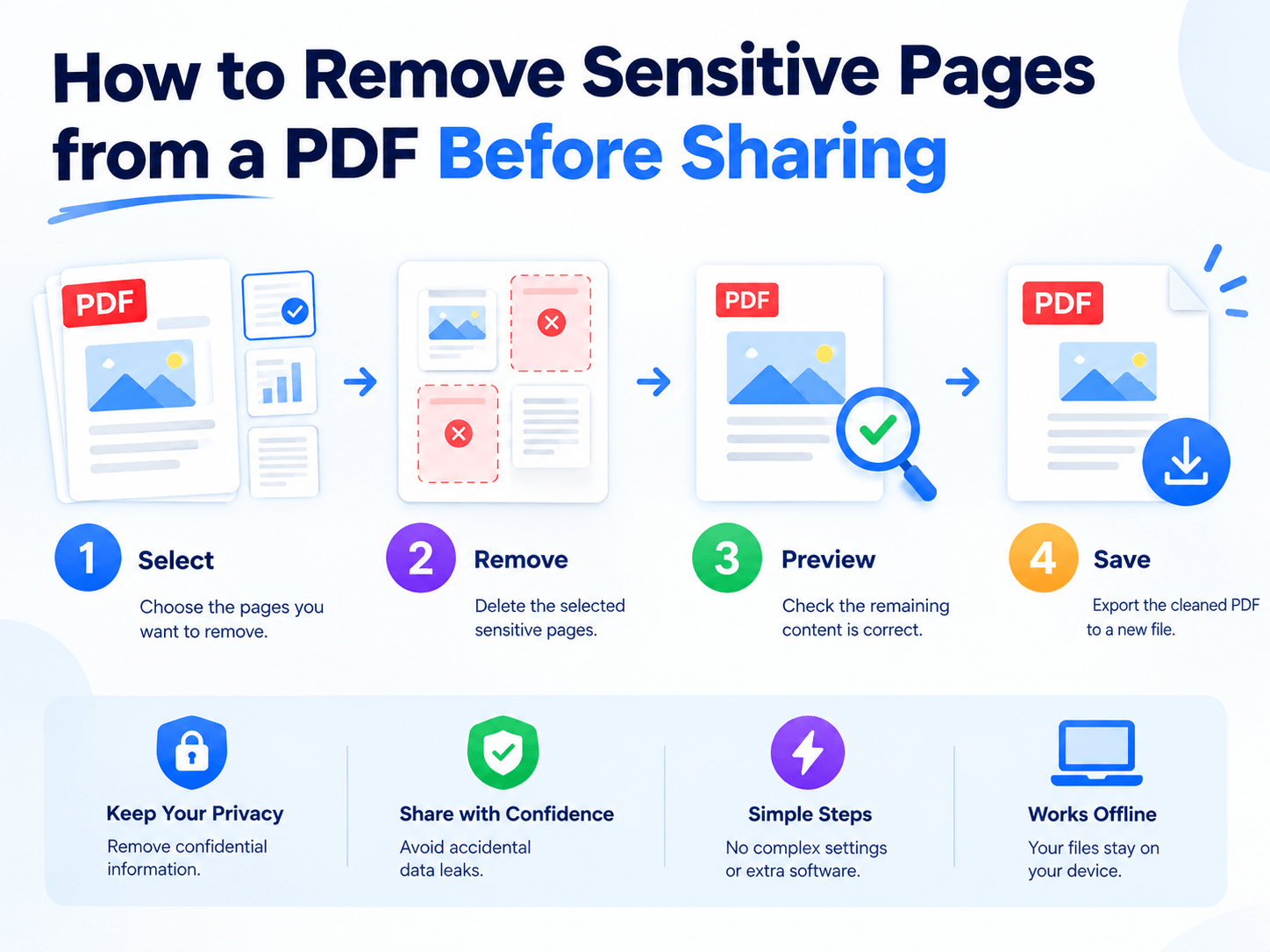
Reduce the Information Footprint
📢 Consider a 30-page report:
| Content | Pages |
|---|---|
| Client-facing information | 8 |
| Internal analysis | 10 |
| Draft material | 5 |
| Private notes | 3 |
| Appendices | 4 |
If the recipient only needs the first 8 pages, sending all 30 creates unnecessary exposure.
A better approach is:
30-page master → 8-page sharing copy
✔ Keep the original file unchanged and create a separate version for distribution.
Delete or Redact?
📢 These two operations solve different problems.
| Situation | Best Approach |
|---|---|
| Entire page is unnecessary | Delete the page |
| Only part of a page is sensitive | Redact the content |
| Only several pages are needed | Extract those pages |
| Pages are out of sequence | Reorder them |
✔ If an entire page contains internal information, deleting it is usually cleaner than trying to cover the content visually.
Don’t modify the master document just to prepare one external copy.
Use a simple workflow:
Master PDF → Remove sensitive pages → Review → Save as a new PDF
For example:
Project_Report.pdf → Project_Report_Client.pdf
✔ This keeps the complete source document available while limiting what you actually share.
Use Local PDF Processing for Private Files
For confidential documents, uploading the original PDF to an online service may not be ideal.
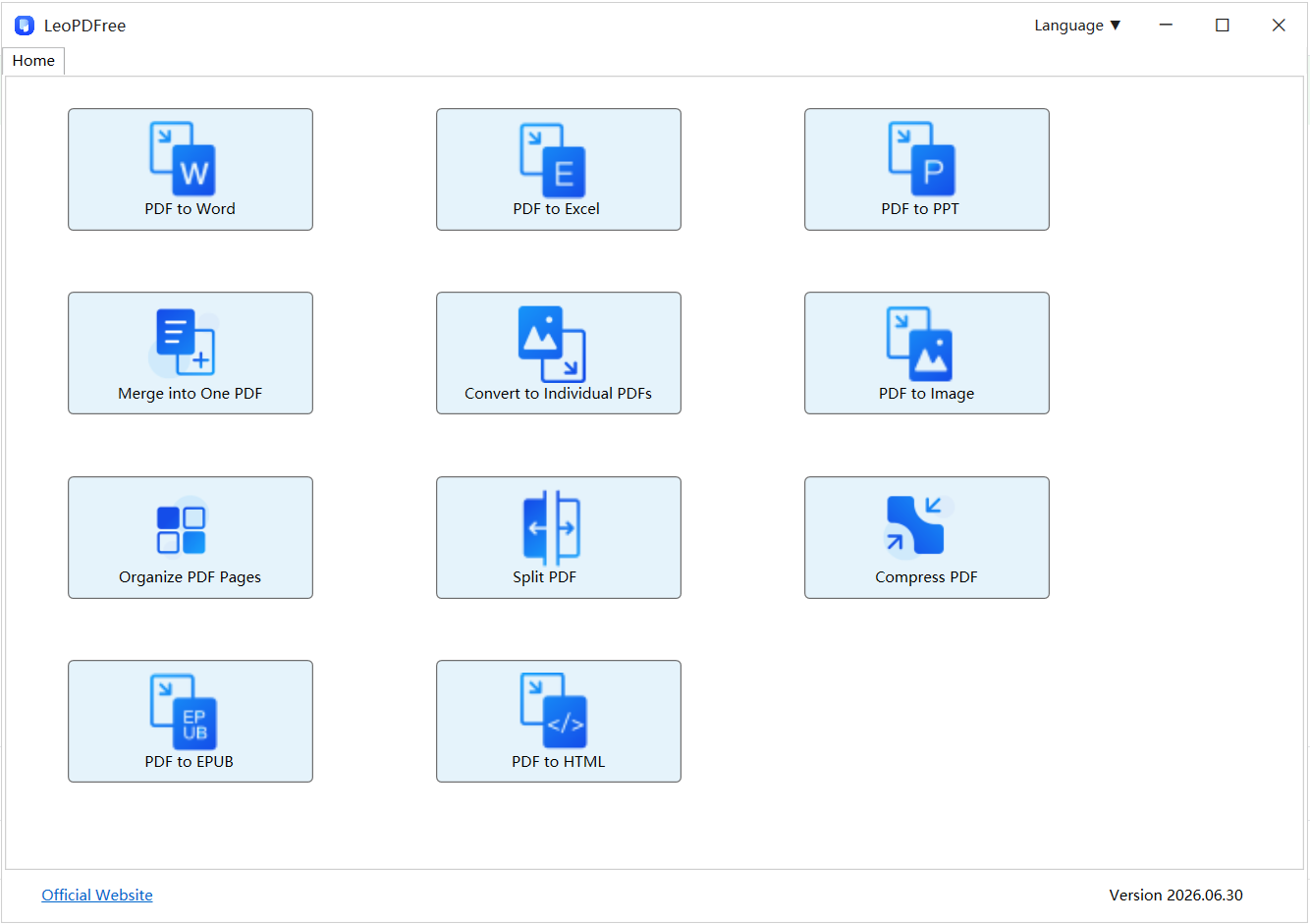
LeoPDF provides a free desktop workflow for Windows, allowing you to delete pages, extract selected pages, reorder content, split or merge PDFs, and save the result locally.
That makes it useful when the goal is simply to prepare a clean sharing copy without uploading the original document.
Free DownloadSecure Download
📢 LeoPDF also has a Ios version.
Final Takeaway
Before sharing a PDF, don’t just ask whether the document is finished.
Ask:
“Does the recipient need every page?”
If not, remove the unnecessary information and create a separate sharing copy.
Send less → expose less → share with more confidence.
