
Compressing a PDF is easy.
Choosing the right tool isn’t.
Some users simply want to make an email attachment smaller. Others need to compress hundreds of scanned documents without sacrificing readability. And for businesses, privacy can be just as important as file size.
That’s why there isn’t a single “best” PDF compressor.
The right choice depends on how you work, what kind of PDFs you handle, and how much control you need over the final result.
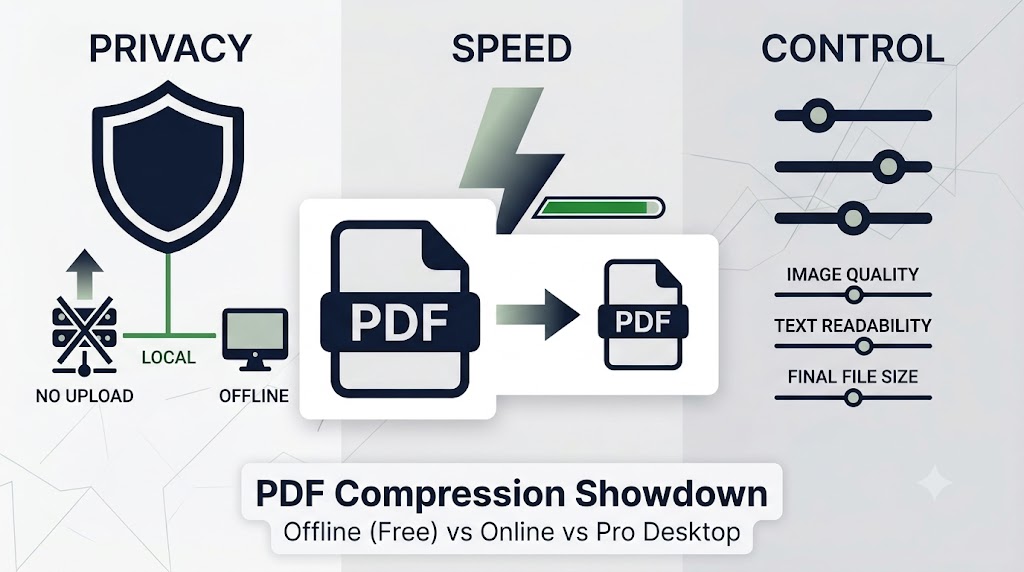
In this guide, we’ll compare the three most common types of PDF compressors and explain where each one performs best.
Three Approaches at a Glance
🖥 Offline Desktop Tools
Examples: LeoPDF
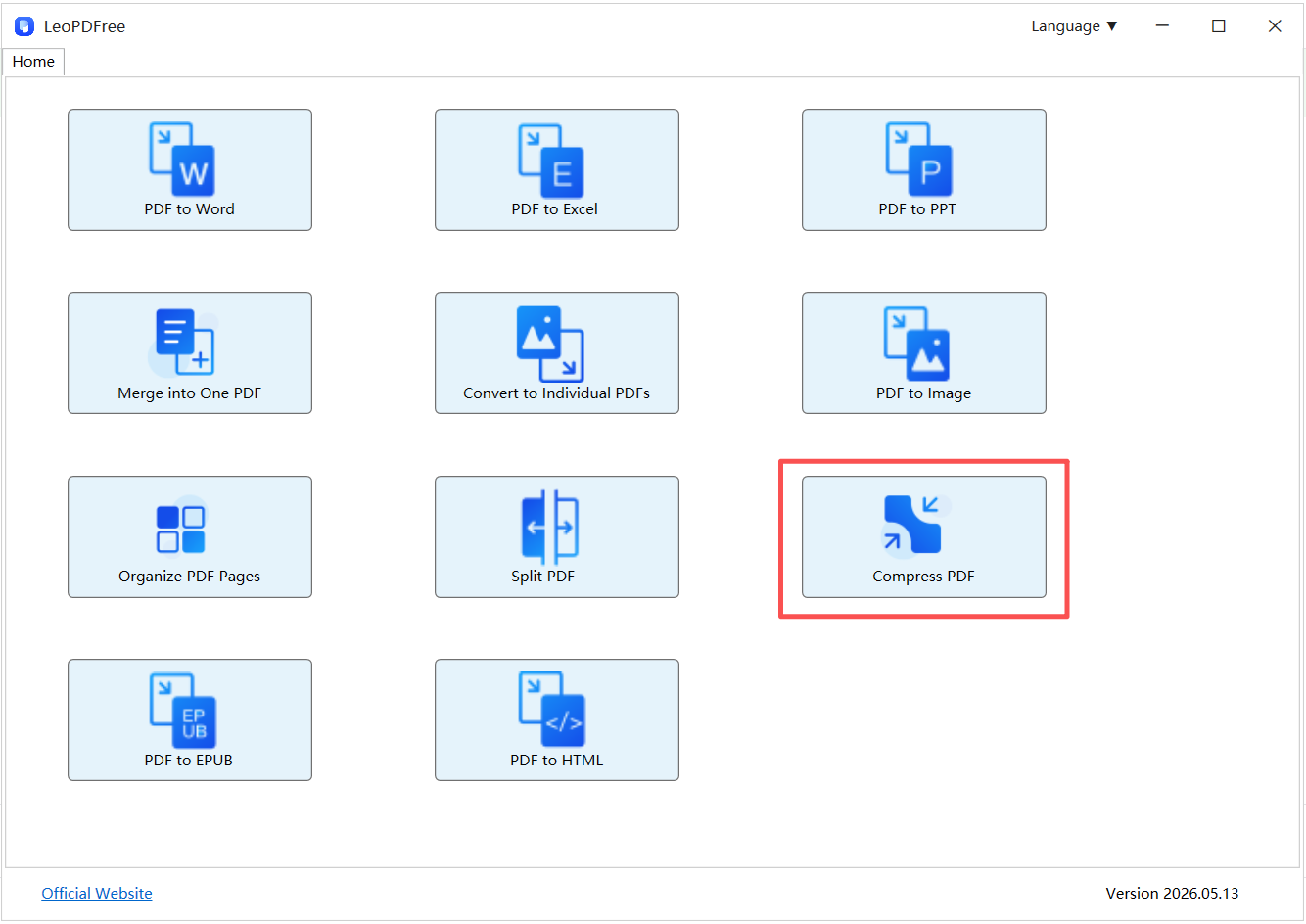
Offline tools process PDFs directly on your computer, so your files never leave your device. They’re a practical choice for everyday use, especially if you regularly work with large or confidential documents.
Best for: Privacy, speed, and routine PDF tasks.
🌐 Online PDF Compressors
Browser-based tools require no installation and are available almost anywhere with an internet connection.
They’re convenient for occasional use, but large uploads and internet speed can affect the overall experience.
Best for: Quick, one-time jobs on public or shared devices.
💼 Professional PDF Software
Examples: Adobe Acrobat
Professional PDF suites offer advanced optimization, OCR, editing, digital signatures, and document management.
They also come with a higher price and a steeper learning curve.
Best for: Professional publishing, legal documents, and enterprise workflows.
Feature Comparison
| Feature | Offline Desktop | Online Tools | Professional Suite |
|---|---|---|---|
| Installation | Required | Not required | Required |
| File Upload | No | Yes | No |
| Privacy | Excellent | Depends on the service | Excellent |
| Large PDF Performance | Excellent | Moderate | Excellent |
| Compression Controls | Good | Basic | Advanced |
| Cost | Usually Free | Free / Subscription | Subscription |
When Privacy Matters Most
If you’re compressing contracts, invoices, medical records, or internal company documents, uploading files to an online service may not be an option.
Offline software keeps every step of the process on your own computer.
For example, LeoPDF compresses PDFs locally, helping reduce file size without sending documents to external servers.
If data security is part of your workflow, offline tools are usually the safest choice.
When Speed Is More Important Than Features
People often assume online tools are faster because they open instantly in a browser.
That isn’t always true.
For a small PDF, online compressors work well.
But once file sizes grow, uploading often takes longer than the compression itself.
Offline applications avoid this bottleneck because they process files immediately after opening them.
If you regularly handle presentations, scanned reports, or image-heavy PDFs, local processing is generally much more efficient.
How Much Control Do You Really Need?
Not everyone needs dozens of compression settings.
For most users, selecting a quality preset and clicking Compress is enough.
That’s where tools like LeoPDF strike a good balance—they provide straightforward compression while preserving document readability for everyday work.
Professional software, on the other hand, is designed for users who need detailed control over image resolution, font embedding, color profiles, and PDF optimization.
Unless you’re preparing files for commercial printing or professional publishing, those advanced settings may never be necessary.
Which Tool Fits Your Workflow?
Choose an Offline Tool If You…
✔ Compress PDFs regularly
✔ Work with confidential documents
✔ Need reliable performance for large files
✔ Prefer keeping everything on your own computer
Choose an Online Tool If You…
✔ Only compress PDFs occasionally
✔ Are using a borrowed or shared computer
✔ Don’t want to install additional software
✔ Aren’t working with sensitive information
Choose Professional Software If You…
✔ Edit PDFs every day
✔ Need OCR or advanced document editing
✔ Require precise compression settings
✔ Already subscribe to Adobe Acrobat or similar software
Frequently Asked Questions
Does compressing a PDF always reduce quality?
Not necessarily.
Modern PDF compressors often remove unnecessary metadata and optimize embedded resources before reducing image quality.
The result depends largely on the compression level you choose.
Why are scanned PDFs harder to compress?
Unlike text-based PDFs, scanned documents are mostly made up of images.
Reducing their size usually requires image optimization, which is why scanned PDFs often remain larger than digitally created documents.
Are free offline PDF compressors good enough?
For most users, yes.
If your goal is to reduce file size for email, cloud storage, or document sharing, a free offline tool such as LeoPDF provides all the essential features without requiring a subscription.
Final Thoughts
No single PDF compressor is perfect for every situation.
Online tools offer convenience.
Professional software delivers maximum control.
But for everyday users who value privacy, speed, and simplicity, an offline desktop application is often the most practical choice.
Whether you’re sharing business reports, school assignments, or personal documents, choosing the right tool isn’t just about creating a smaller PDF.
It’s about finding a workflow that’s efficient, reliable, and fits the way you work.
Final Thoughts
Every type of PDF compressor has its strengths.
Online tools are convenient.
Professional software offers the highest level of control.
But if you’re looking for a solution that combines privacy, speed, ease of use, and affordability, an offline desktop application is often the smartest choice.
At the end of the day, the best PDF compressor isn’t simply the one that creates the smallest file.
It’s the one that fits naturally into the way you work.
