
A smaller PDF file is useful.
A blurry PDF is not.
Many people think PDF compression is simply about reducing file size. Upload the document, click “Compress,” and download the result.
But that’s where problems often begin.
Images become unclear. Text looks softer. Charts lose detail. Important documents suddenly look like low-quality scans.
The real goal of PDF compression isn’t just making files smaller.
It’s finding the right balance between file size, readability, and document quality.
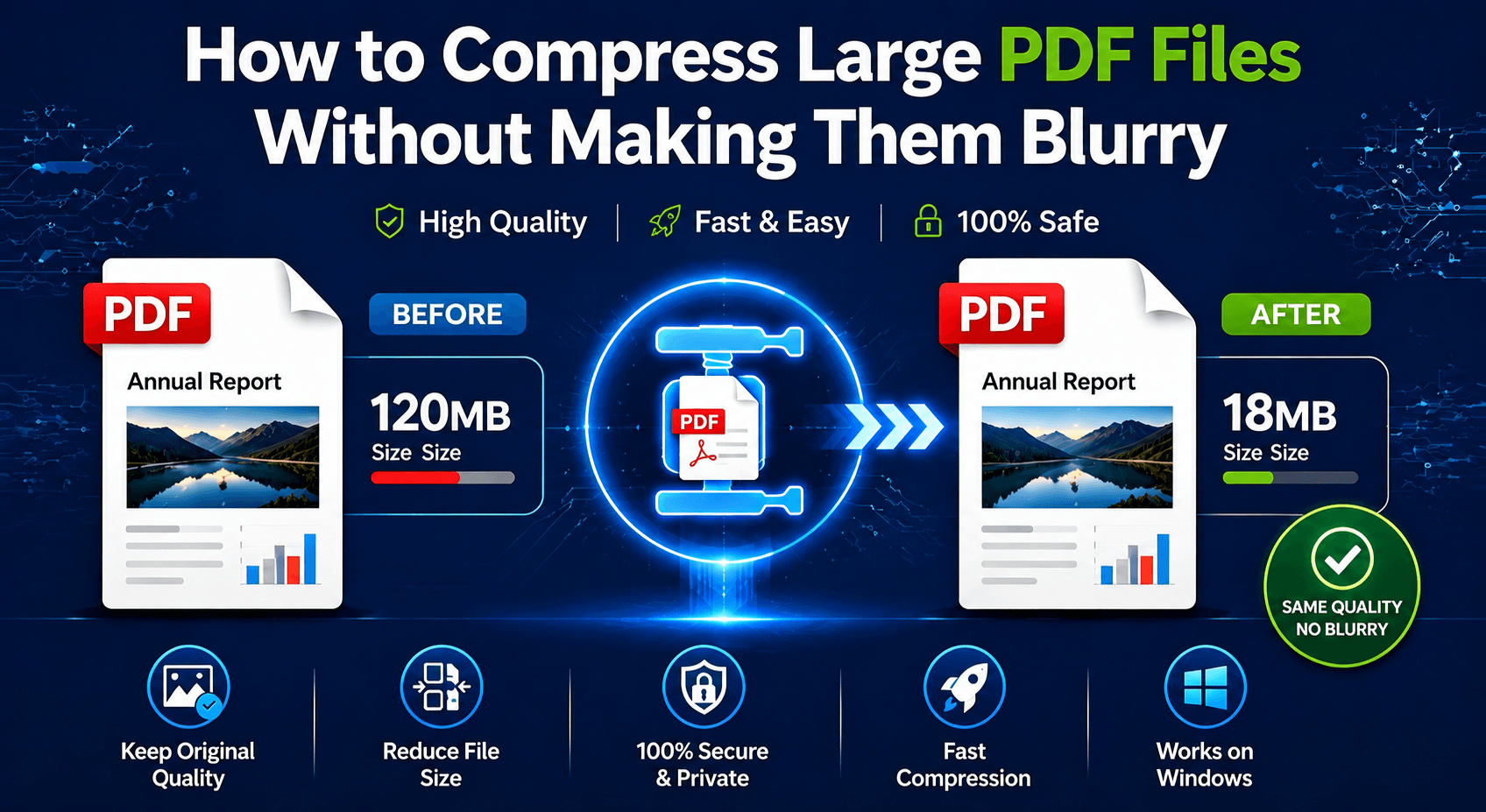
In this guide, we’ll explain why PDFs become blurry after compression, compare online and offline compression methods, and show how to reduce large PDF files while keeping them professional-looking.
Why Do PDFs Become Blurry After Compression?
A PDF is not just a collection of pages.
Inside every PDF are different elements:
Text objects
⏺ Images
⏺ Fonts
⏺ Graphics
⏺ Metadata
⏺ Embedded resources
When a compressor reduces file size, it usually targets the largest elements first—especially images.
The problem happens when a tool compresses too aggressively.
Common results include:
❌ Low-resolution images
❌ Unclear screenshots
❌ Pixelated charts
❌ Difficult-to-read text
A good PDF compressor should reduce unnecessary data without damaging the parts users actually need.
The Biggest Mistake: Choosing File Size Over Quality
A common mistake is chasing the smallest possible PDF.
But the smallest file is not always the best file.
For example:
A 50MB presentation compressed down to 2MB may look impressive.
But if images become unreadable and text loses clarity, the document is no longer useful.
A better approach is:
Compress smart, not aggressively.
The goal should be:
✔ Smaller file size
✔ Clear text
✔ Readable images
✔ Professional appearance
Online PDF Compressors: Convenient, But Not Always Ideal
Online PDF compression tools are popular because they don’t require any software installation. For example, iLovePDF.
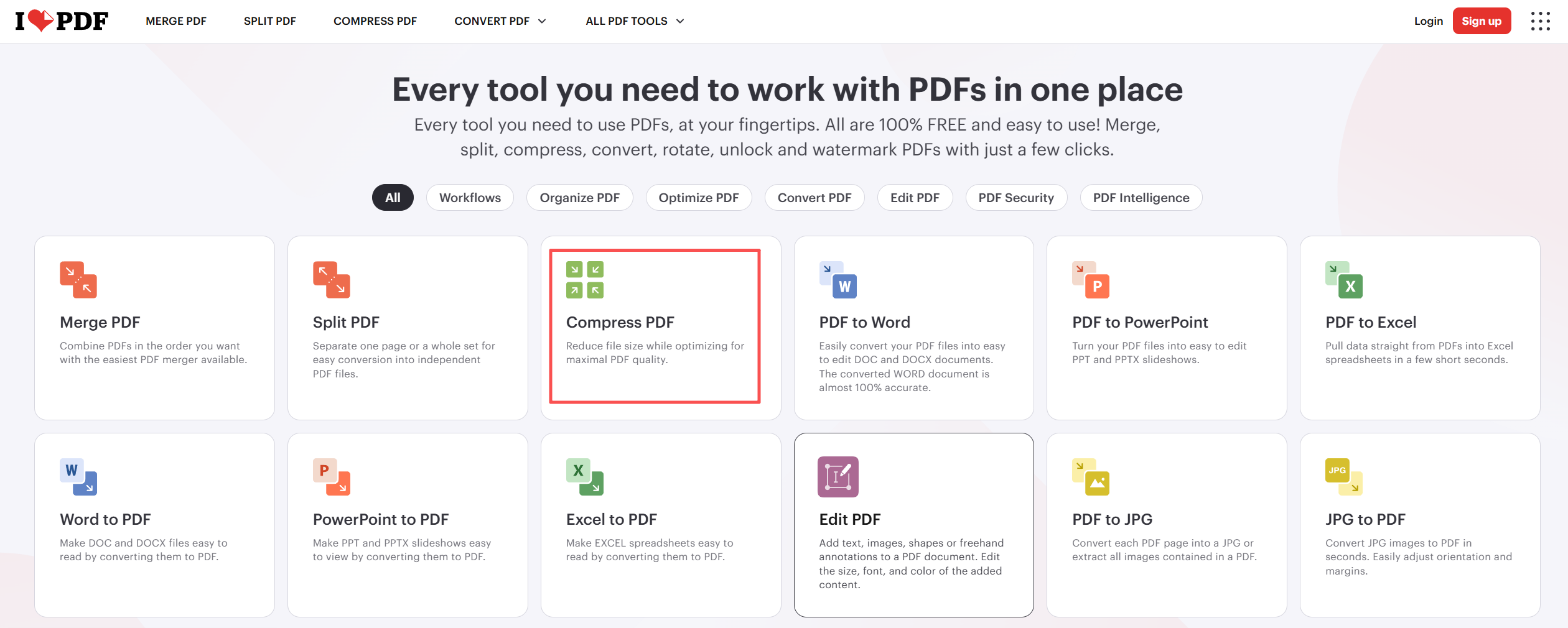
1. Open a website.
2. Upload your file.
3. Wait for processing.
Download the compressed PDF.
For small, non-sensitive documents, this workflow is perfectly fine.
However, online tools have several limitations.
⏺ Upload Time Can Slow Everything Down
⏺ Less Control Over Compression Quality
⏺ Privacy Concerns,Not every PDF should leave your computer.
Offline PDF Compression: More Control and Better Privacy
Offline PDF tools work differently.
Instead of sending your document to a server, everything happens locally on your computer.
This provides several advantages:
✔ No file uploads
✔ Faster processing for large PDFs
✔ Better privacy protection
✔ More predictable results
For example, LeoPDF processes PDF files locally, allowing users to reduce file size without sending documents to external servers.
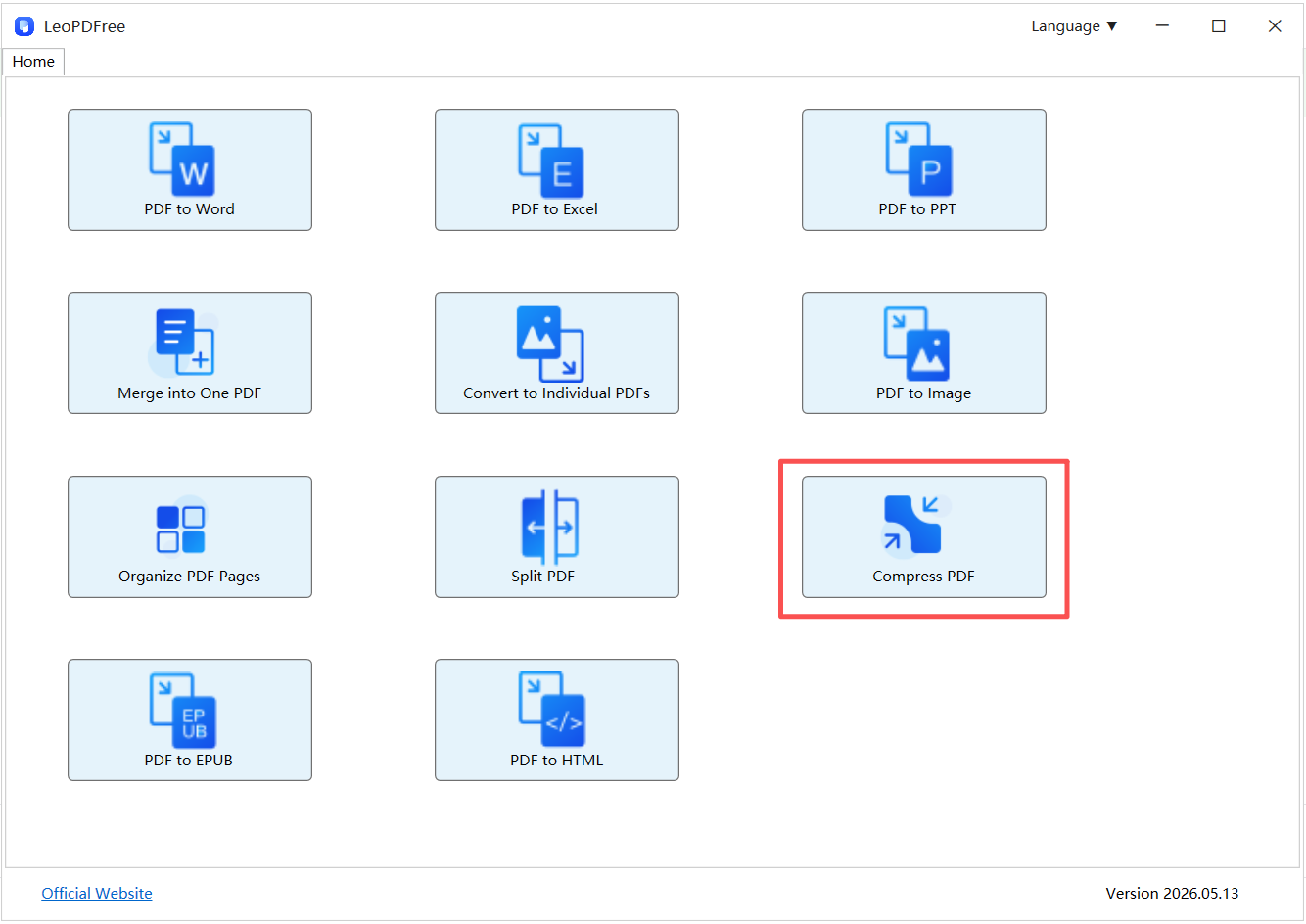
Free DownloadSecure Download
This makes it a practical option for users who frequently handle business files, reports, or large documents.
Online vs Offline PDF Compression
| Feature | Online Compressors | Offline Tools (LeoPDF) |
|---|---|---|
| Installation | Not required | Required |
| File Upload | Yes | No |
| Privacy | Depends on service policy | Files stay local |
| Large PDF Processing | Limited by internet speed | More stable |
| Quality Control | Usually basic | More predictable |
| Best For | Quick, simple tasks | Regular and professional use |
How to Keep PDF Quality While Reducing File Size
If you want better compression results, follow these principles:
1. Avoid Repeated Compression
Every additional compression step may reduce quality.
Try to compress the original PDF instead of compressing an already compressed file.
2. Keep Images at a Reasonable Resolution
High-resolution images are often the biggest reason PDFs become large.
However, reducing image quality too much creates blurry results.
The best compression keeps images sharp while removing unnecessary file size.
3. Use Tools That Preserve Document Structure
A quality PDF compressor should understand the difference between:
⏺ Text
⏺ Images
⏺ Layout elements
Simply converting pages into images can destroy the advantages of the PDF format.
Who Should Use Online Compressors?
Online tools are a good choice if you:
✔ Compress PDFs occasionally
✔ Work with small files
✔ Don’t handle confidential information
✔ Need a quick solution without installing software
For example, compressing a simple brochure before emailing it may only take a few seconds.
Who Should Use Offline Tools Like LeoPDF?
An offline solution makes more sense if you:
✔ Compress PDFs frequently
✔ Work with large files
✔ Handle private documents
✔ Want consistent performance
✔ Prefer keeping files on your own device
For many everyday users, an offline PDF compressor provides the best balance between convenience, privacy, and quality.
Frequently Asked Questions
Does PDF compression always reduce image quality?
No.
A well-designed compressor can remove unnecessary data while keeping the document visually clear.
Quality loss usually happens when compression settings are too aggressive.
Why are scanned PDFs so large?
Scanned PDFs are basically collections of high-resolution images.
Unlike text-based PDFs, they require image optimization to reduce file size effectively.
Is a free PDF compressor good enough?
For most users, yes.
If you mainly need smaller files for email, storage, or sharing, a free offline tool like LeoPDF can handle everyday compression needs without requiring a subscription.
Final Thoughts
The best PDF compressor is not the one that creates the smallest file.
It’s the one that creates a smaller file without sacrificing usability.
Online compressors are convenient and useful for quick tasks.
Offline tools provide stronger privacy, better consistency, and more reliable performance for larger or sensitive documents.
If your goal is to compress large PDFs without making them blurry, focus on one thing:
Reduce unnecessary file size—without destroying the quality that makes the document valuable.
