
A PDF can look completely normal and still contain information you do not want to share.
Behind the visible pages, a PDF may include:
🔵 Metadata
🔵 Embedded files
🔵 Hidden objects
🔵 Comments
🔵 Unnecessary pages
🔵 Previous editing information
Before sending an important document, cleaning and organizing your PDF is a smart security practice.
The goal is not to destroy the file.
The goal is:
Remove unnecessary content while keeping the important information intact.
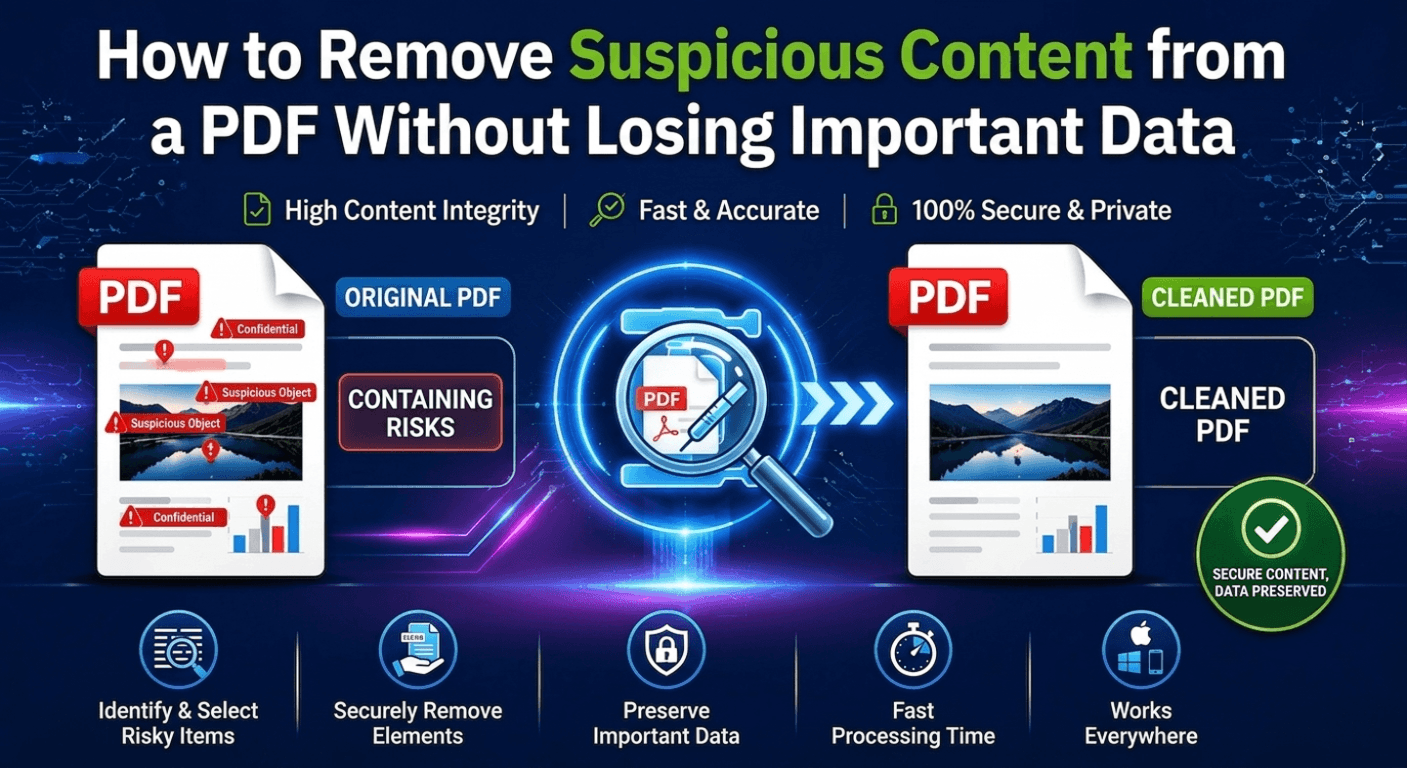
What Makes a PDF Need Cleaning?
A PDF is more than text and images.
It is a structured document that may contain additional elements.
Common items to review include:
| PDF Element | Why Check It |
|---|---|
| Metadata | May reveal author or editing information |
| Embedded Files | Could contain unwanted attachments |
| Comments | May expose internal notes |
| Hidden Objects | Increase document complexity |
| Extra Pages | May contain information you do not want to share |
Why Removing Only Visible Content Is Not Enough
Many users think:
“Delete the page and the problem is solved.”
But PDF files can contain more than what appears on the screen.
A professional cleanup process should consider:
✔ Document structure
✔ Hidden information
✔ Unused pages
✔ File organization
A cleaner PDF is easier to share, store, and manage.
Three Practical Ways to Clean Up a PDF
Method 1: Remove Unnecessary Pages
One of the simplest ways to reduce information exposure is deleting pages you no longer need.
Examples:
⏺ Remove draft pages
⏺ Delete duplicate pages
⏺ Remove internal notes pages
⏺ Keep only the final version
This is especially useful before sending contracts, reports, or business documents.
Method 2: Remove Extra Document Information
Review and remove unnecessary elements such as:
⏺ Comments
⏺ Attachments
⏺ Document properties
This helps create a cleaner final PDF.
Method 3: Recreate the PDF When Necessary
For heavily edited or converted PDFs, rebuilding the document may provide a cleaner structure.
Typical workflow:
Original PDF
↓
Convert content
↓
Create a new PDF
↓
Review final output
Always check formatting after conversion.
Online PDF Cleaners vs Offline PDF Tools
Many online PDF tools provide quick processing.
However, the workflow usually requires:
Upload → Cloud Processing → Download
For sensitive documents, this creates additional privacy considerations.
| Feature | Online PDF Tools | Offline PDF Tools |
|---|---|---|
| File Upload | Required | Not required |
| Privacy Control | Depends on service | Higher control |
| Large Files | Internet-dependent | More stable |
| Document Management | Basic | More flexible |
| Sensitive Documents | Higher concern | Better choice |
A Better PDF Management Workflow with LeoPDF
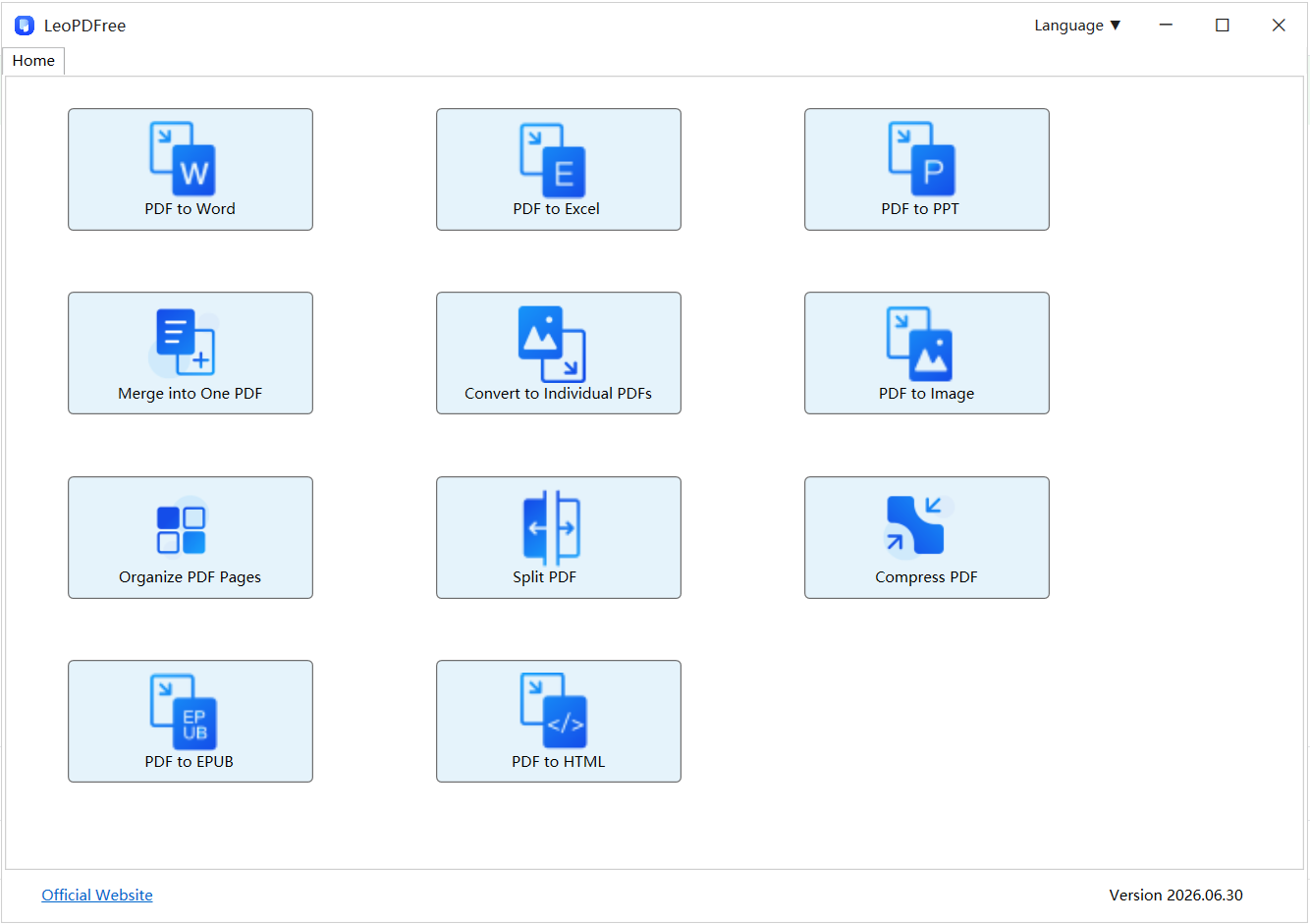
While LeoPDF does not provide advanced PDF security scanning or suspicious content detection, it helps users manage PDF documents more efficiently.
Free DownloadSecure Download
Before sharing a PDF, users can organize and clean their files by:
✅ Removing unnecessary PDF pages
✅ Splitting large PDF documents
✅ Merging required pages together
✅ Compressing PDF file size
✅ Converting PDF to Word, Excel, and other formats
✅ Rearranging PDF documents
For example:
A financial report may contain:
🔵 Cover page
🔵 Internal draft pages
🔵 Final report pages
🔵 Extra attachments
With LeoPDF, users can remove unnecessary pages and keep only the content that needs to be shared.
This creates a cleaner and more professional PDF workflow.
PDF Cleanup Options Comparison
| Task | Manual Editing | Online Tools | LeoPDFree |
|---|---|---|---|
| Delete PDF Pages | Difficult | Available | Available |
| Split PDF Files | Limited | Available | Available |
| Compress PDF | Limited | Available | Available |
| Convert PDF | Limited | Available | Available |
| Local Processing | Yes | No | Yes |
Before Sharing a PDF: Quick Security Checklist
Before sending a document:
✅ Remove unnecessary pages
Only keep the information the recipient needs.
✅ Review document details
Check:
🔵 Author information
🔵 Comments
🔵 Extra attachments
✅ Use trusted PDF software
Avoid uploading confidential documents to unknown websites.
Final Thoughts
PDF security is not only about protecting files from threats.
It is also about controlling what information you share.
A professional PDF workflow includes:
✔ Removing unnecessary content
✔ Organizing pages properly
✔ Keeping important information only
✔ Using reliable PDF tools
For everyday PDF management, LeoPDF provides a simple, completely free solution for converting, compressing, splitting, merging, and organizing PDF files.
Clean documents are easier to manage.
And better document control means better data protection.
Free DownloadSecure Download
