
Tips & guides
How to Safely Compress a Tax Return PDF (Without Leaking Your Data)
Published
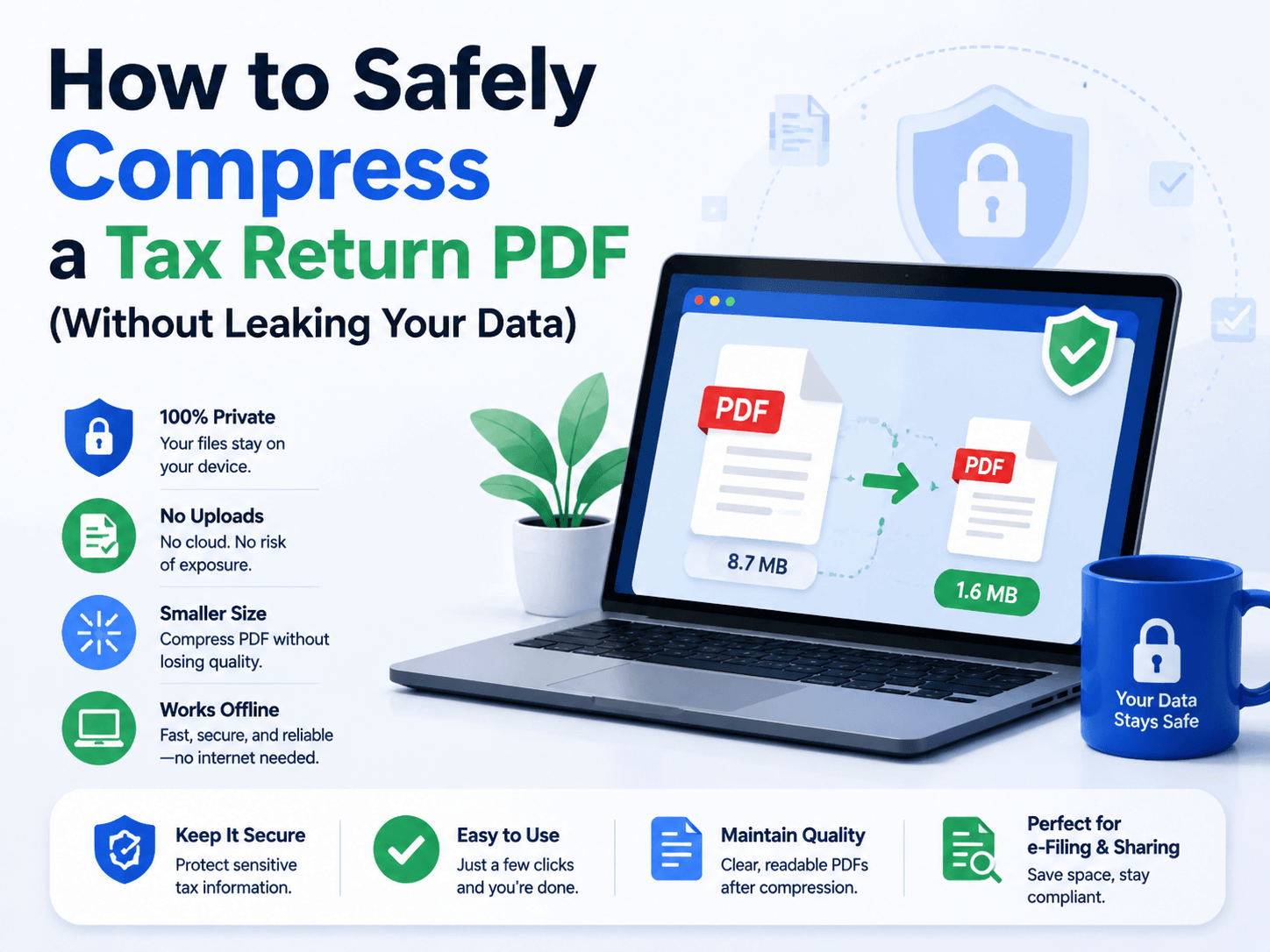
Tax return PDFs contain some of your most sensitive information, including income records, identification details, and financial data.
When the file size becomes too large for email or online submission, compression is necessary. But the real challenge is not just reducing file size.
It is protecting your data during the process.
A secure PDF compressor should provide two things:
✅ Smaller file size
✅ No unnecessary data exposure
Why Tax PDFs Should Not Be Uploaded Randomly
Online PDF compressors are convenient because they require no installation.
The workflow is simple:
Upload PDF → Process Online → Download Result
However, this means your document leaves your device.
For ordinary files, this may not be a concern.
For tax returns, financial statements, or legal documents, uploading sensitive files to third-party servers introduces additional privacy risks.
Online PDF Compressors vs Offline Tools
Online tools are suitable for quick, non-sensitive documents.
However, they often depend on:
🔵 Internet speed
🔵 Server availability
🔵 Service privacy policies
Offline PDF tools process files directly on your computer.
This means:
🔵 No file uploads
🔵 Faster processing for large PDFs
🔵 Better control over sensitive documents
Compress Tax PDFs Locally with LeoPDF
For Windows users, LeoPDF provides a simple offline PDF compression solution.
Instead of uploading your tax documents to online servers, LeoPDF processes files locally on your device.
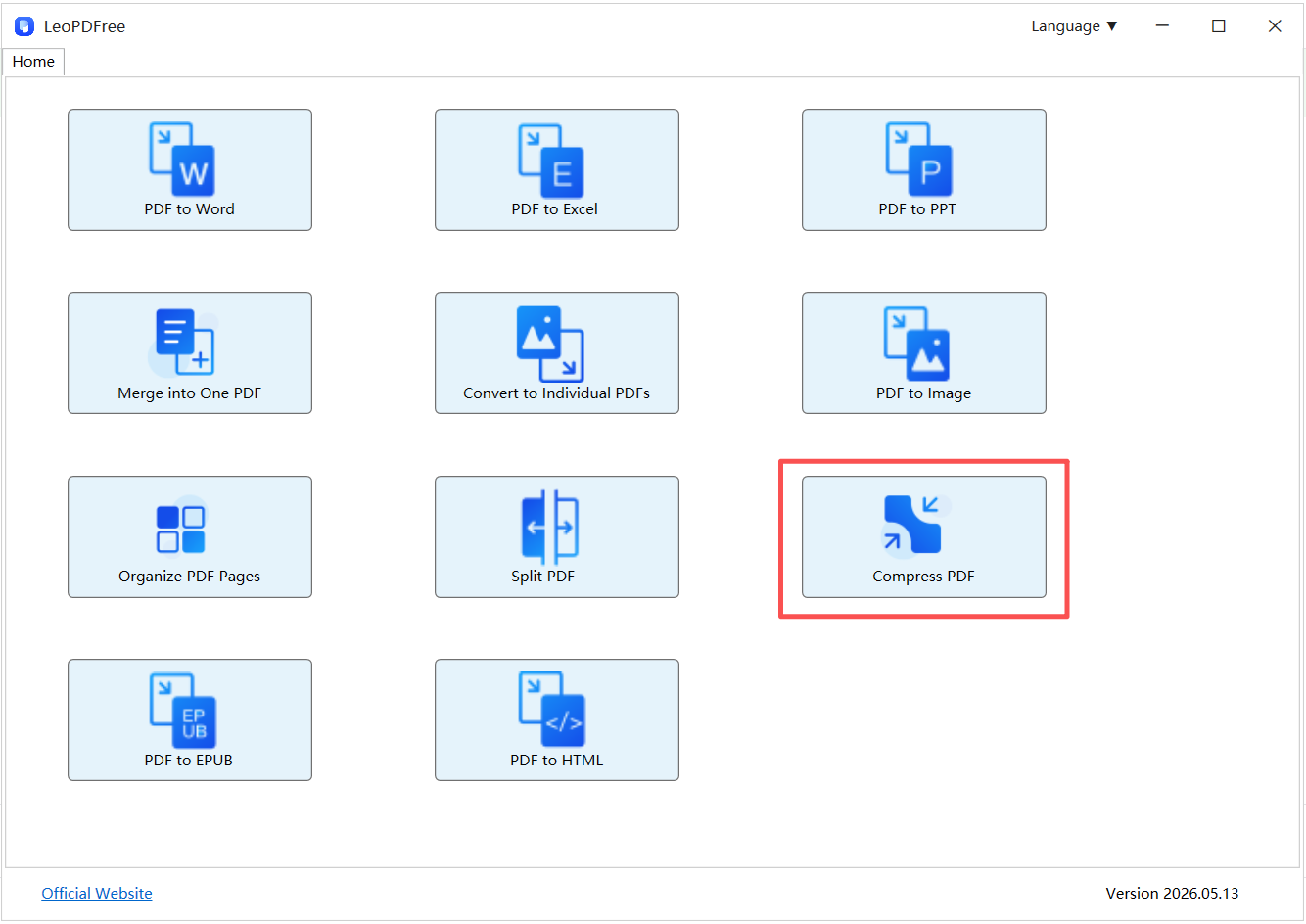
Key advantages:
✅ Local PDF compression
✅ No file upload required
✅ No watermark added
✅ Stable performance for large files
✅ Simple Windows workflow
This makes it suitable for:
🔵 Tax return PDFs
🔵 Financial reports
🔵 Business documents
🔵 Personal records
Online vs Offline PDF Compression Comparison
| Feature | Online Compressors | Offline Tools (LeoPDF) |
|---|---|---|
| File Upload | Required | Not required |
| Privacy | Depends on service | Files stay local |
| Large PDF Processing | Internet-dependent | More stable |
| Data Control | Limited | Higher control |
| Best For | Public documents | Sensitive files |
Best Practices for Compressing Tax PDFs
1. Keep the Original File
Always save a backup copy before compression.
2. Avoid Unknown Free Compressors
Free does not always mean secure. Check how files are processed and stored.
3. Compress Before Sharing
Reduce file size before:
🔵 Email attachments
🔵 Tax portals
🔵 Cloud storage
This avoids upload failures and improves efficiency.
Final Thoughts
Compressing a tax return PDF is not only a file-size task.
It is also a data protection decision.
Online compressors are convenient for simple documents, but sensitive files deserve more control.
For Windows users, an offline solution like LeoPDF provides a safer workflow:
🔒 No uploads
⚡ Local processing
📄 Better privacy control
Make your PDF smaller without giving up control of your data.