
PDF and EPUB are both widely used for digital books, but they solve different reading problems.
The simplest way to understand the difference is:
PDF protects the page. EPUB adapts the content.
One-Minute Comparison
| Reading Need | EPUB | |
|---|---|---|
| Keep the original layout | Excellent | Limited |
| Resize text | Limited | Excellent |
| Read on a phone | Good | Excellent |
| Read long-form text | Good | Excellent |
| Preserve tables and graphics | Excellent | Depends |
| Keep exact page numbers | Excellent | Limited |
| Print the document | Excellent | Limited |
If your priority is layout accuracy, PDF is usually the better fit.
If your priority is comfortable reading on different screens, EPUB has an advantage.
What Happens When You Change the Font?
This is one of the biggest differences between PDF and EPUB.
With PDF, larger text usually means more zooming and scrolling.
With a reflowable EPUB, text can automatically rearrange itself when the font size changes.
That’s why EPUB works particularly well for novels, essays, and other text-heavy books.
What About Complex Books?
Not every ebook is made up of simple paragraphs. Technical books, magazines, and illustrated publications may depend heavily on their original page layout.
| Content | Better Fit |
|---|---|
| Plain text | EPUB |
| Large tables | |
| Technical diagrams | |
| Magazine-style pages | |
| Long chapters | EPUB |
| Fixed page references |
If the position of text, images, or diagrams matters, PDF can preserve the original structure more effectively.
Don’t Compare Page Counts
A 200-page PDF does not necessarily become a 200-page EPUB.
PDF: 200 fixed pages
EPUB: Content reflows according to screen size, font size, and reader settings.
So the final EPUB may display more or fewer pages.
When evaluating a conversion, focus on readability, headings, images, tables, and paragraph structure rather than page count.
A Smarter Conversion Workflow
You don’t always need to convert the entire PDF.
For example:
150-page PDF
🔵 20 pages — unnecessary content
🔵 15 pages — appendix
🔵 115 pages — useful content
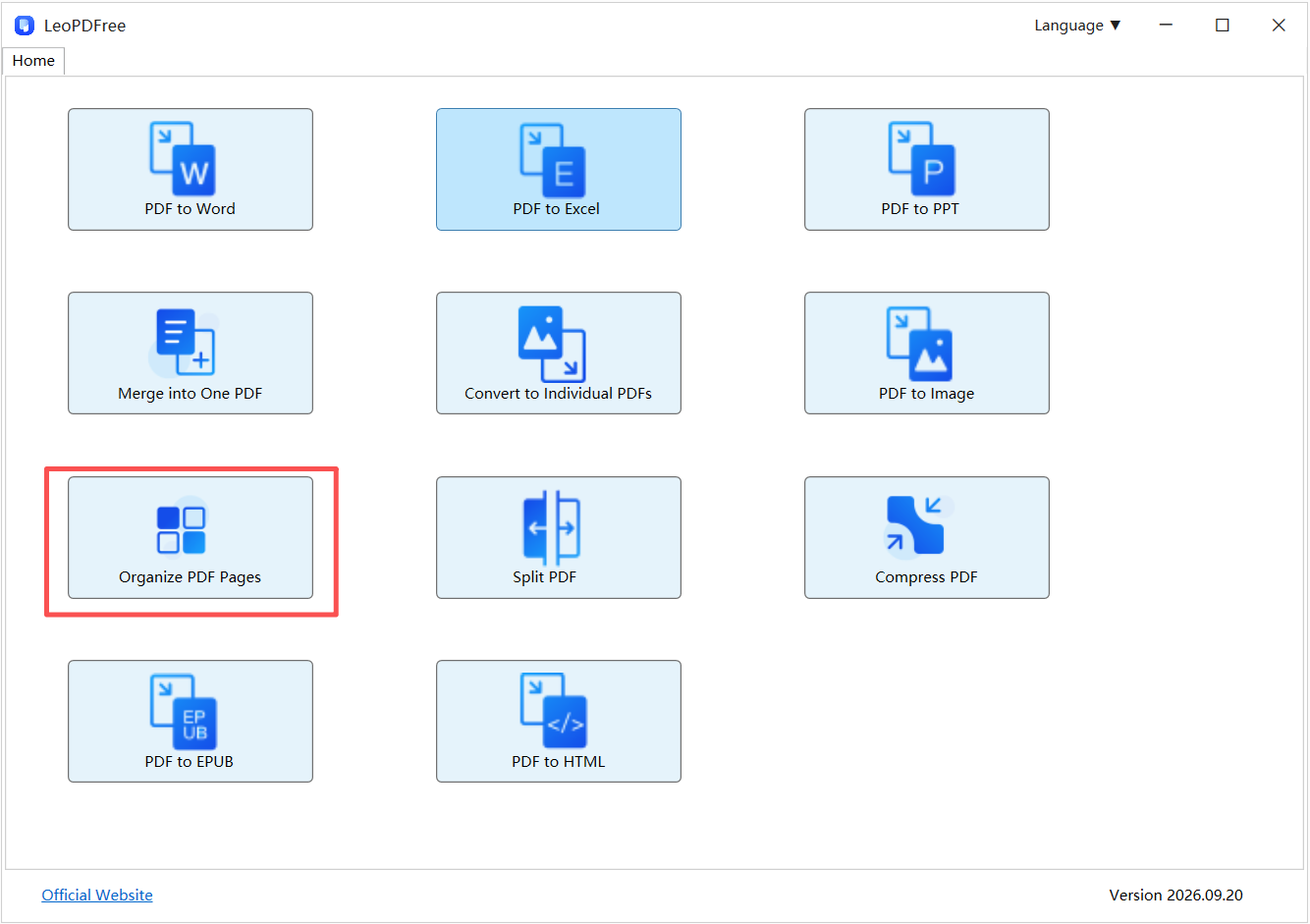
Instead of:
150 pages → EPUB
Try:
150 pages → 115 useful pages → EPUB
Before conversion, you can remove unwanted pages, extract selected sections, reorder pages, or split the document.
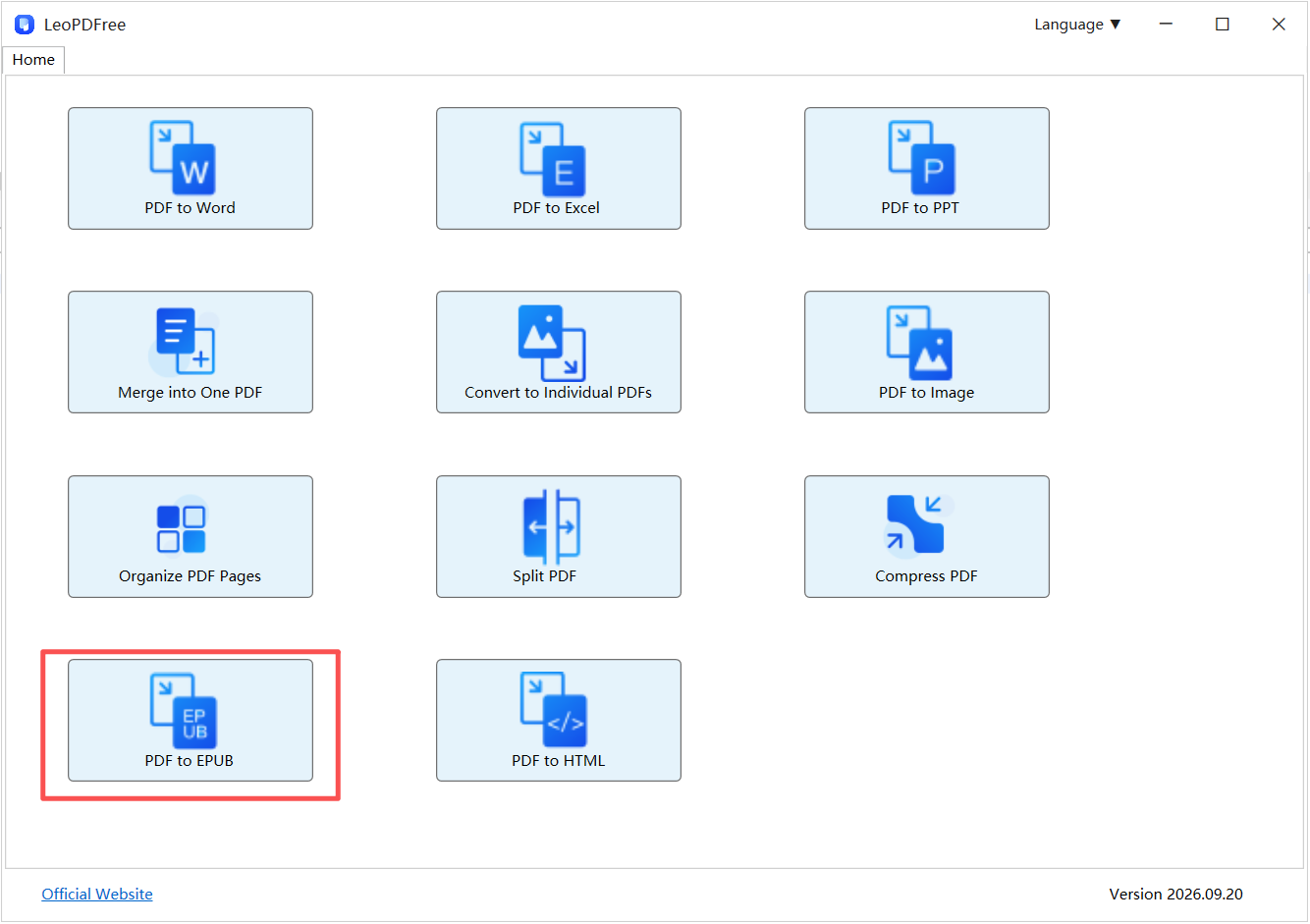
Free DownloadSecure Download
LeoPDF can handle these PDF preparation tasks locally, including deleting, extracting, reordering, splitting, merging, and compressing PDF files.
PDF or EPUB?
Use this simple rule:
Choose PDF when the page matters.
Choose EPUB when the reading experience matters.
| Your Priority | Recommended Format |
|---|---|
| Exact layout | |
| Flexible text size | EPUB |
| Phone reading | EPUB |
| Complex visual design | |
| Long-form reading | EPUB |
| Print-ready document |
Final Takeaway
PDF is built around a fixed page, while EPUB is designed to make content more adaptable to different reading environments.
Neither format is universally better. The right choice depends on whether you want to preserve the original document or optimize it for reading.
If you need to prepare a PDF before conversion, LeoPDF provides a free local way to clean up and organize the source file before creating your ebook.
