
A scanned PDF may look like a document, but its handwritten content is often just pixels—not editable text.
To turn those pixels into Word text, you need OCR (optical character recognition) that can handle handwriting. The key is choosing the right workflow and checking what the software actually recognizes.
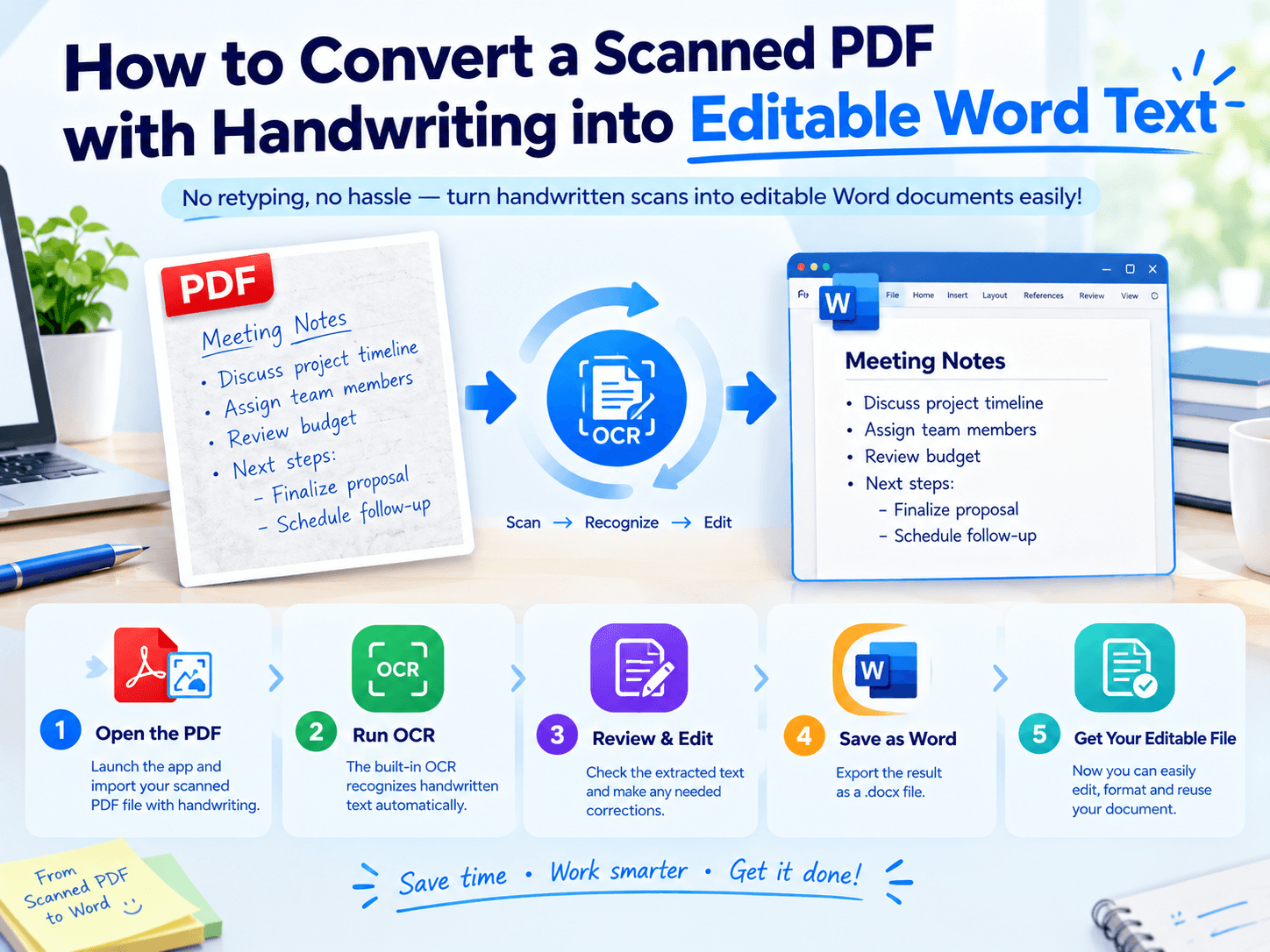
The Conversion Gap: Image vs. Text
| Feature | Scanned PDF | Editable Word |
|---|---|---|
| Text selection | Usually unavailable | Available |
| Search by keyword | Limited without OCR | Supported |
| Edit individual words | No | Yes |
| Preserve handwritten appearance | Original image | May require images |
| Correct recognition errors | Not applicable | Manual editing possible |
📢 One important distinction: OCR extracts recognized text, but it may not reproduce the original handwriting, page layout, or diagrams perfectly.
Use This 3-Level Quality Check
💥 Instead of judging a conversion by whether the Word file opens, check these three areas:
| Level | What to Inspect | Common Risk |
|---|---|---|
| Text | Words and punctuation | Misread letters |
| Data | Dates, numbers, formulas | Incorrect values |
| Structure | Paragraphs, headings, diagrams | Lost reading order |
📢 For example, a handwritten “1” mistaken for “7” can change a calculation even when the rest of the page looks correct.
Choose the Workflow That Fits Your Notes
Clear handwriting: Run OCR, then proofread the extracted text.
Cursive or tightly spaced writing: Test a few difficult pages first and expect more corrections.
Notes with formulas or drawings: Keep the original PDF nearby. OCR may recognize nearby text without preserving the relationships between symbols, arrows, and diagrams.
📢 A practical test is to convert three representative pages—a clear page, a typical page, and the hardest page—before processing the entire file.
A Mobile Option for Handwritten PDFs
If your scans are already on an iPhone or iPad, LeoPDF for iOS offers OCR tools for extracting text from PDFs, scans, and photos. You can use it as a mobile starting point, then review and format the recognized content in Word.
Explore LeoPDF on the App Store
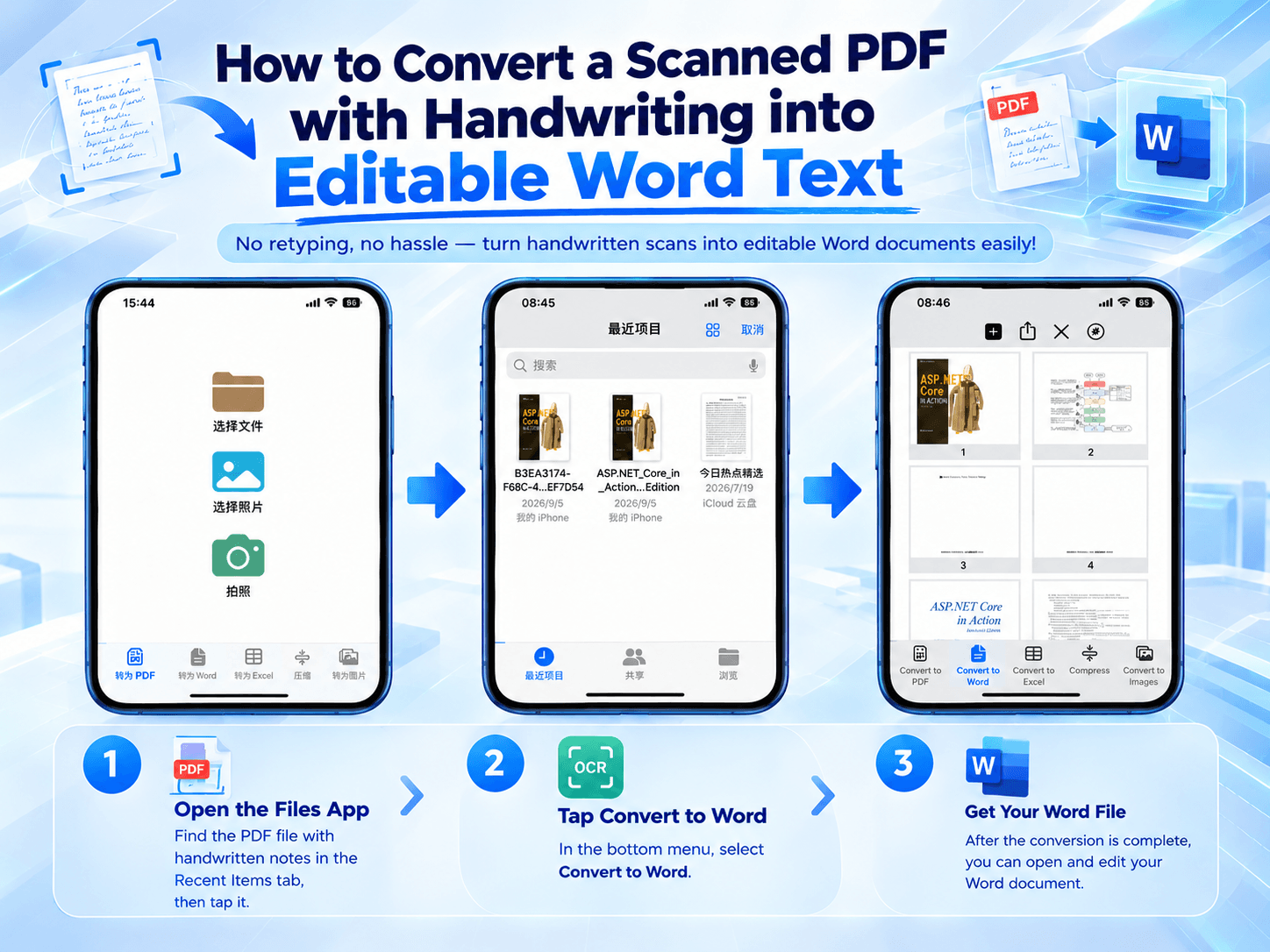
📢 The result will depend on handwriting legibility, scan quality, language support, and the complexity of the page.
Final Takeaway
Converting handwritten scans into editable Word text is not simply a file-format change. It is a recognition task followed by a quality check.
Scan → Recognize → Verify → Edit
Use OCR to reduce manual typing, but always verify important names, numbers, formulas, and technical terms before relying on the converted document.
