
Converting a PDF to EPUB isn’t just a format change.
PDF is designed to preserve a fixed page, while EPUB is designed to make content adapt to different screens. The goal is therefore not to make the two files look identical, but to make the content easier to read.
Start With the Content
💥 The type of PDF has a major impact on the conversion result.
| PDF Content | Conversion Difficulty | EPUB Fit |
|---|---|---|
| Plain text | Low | Excellent |
| Text + images | Medium | Good |
| Tables | Medium | Fair |
| Multi-column pages | High | Depends |
| Complex graphics | High | Limited |
| Scanned pages | Very High | OCR may be needed |
A text-heavy book is usually much easier to convert than a magazine or technical document with complex layouts.
Don’t Chase the Original Page Count
A 200-page PDF does not need to become a 200-page EPUB.
For example:
200 PDF pages
→ Remove 30 unnecessary pages
→ Keep 170 useful pages
→ Convert to EPUB
EPUB content can reflow based on screen size, font settings, and the reading environment, so the final page count may change.
Use a Small Test Before Converting Everything
💥 For a large PDF, test a few representative pages first.
| Test | What to Check |
|---|---|
| Text | Reading order |
| Headings | Structure |
| Images | Size and position |
| Tables | Readability |
| Multiple columns | Content order |
If the test pages convert cleanly, the full document is likely to require less manual correction.
Prepare the PDF First
A cleaner source usually means less work later.
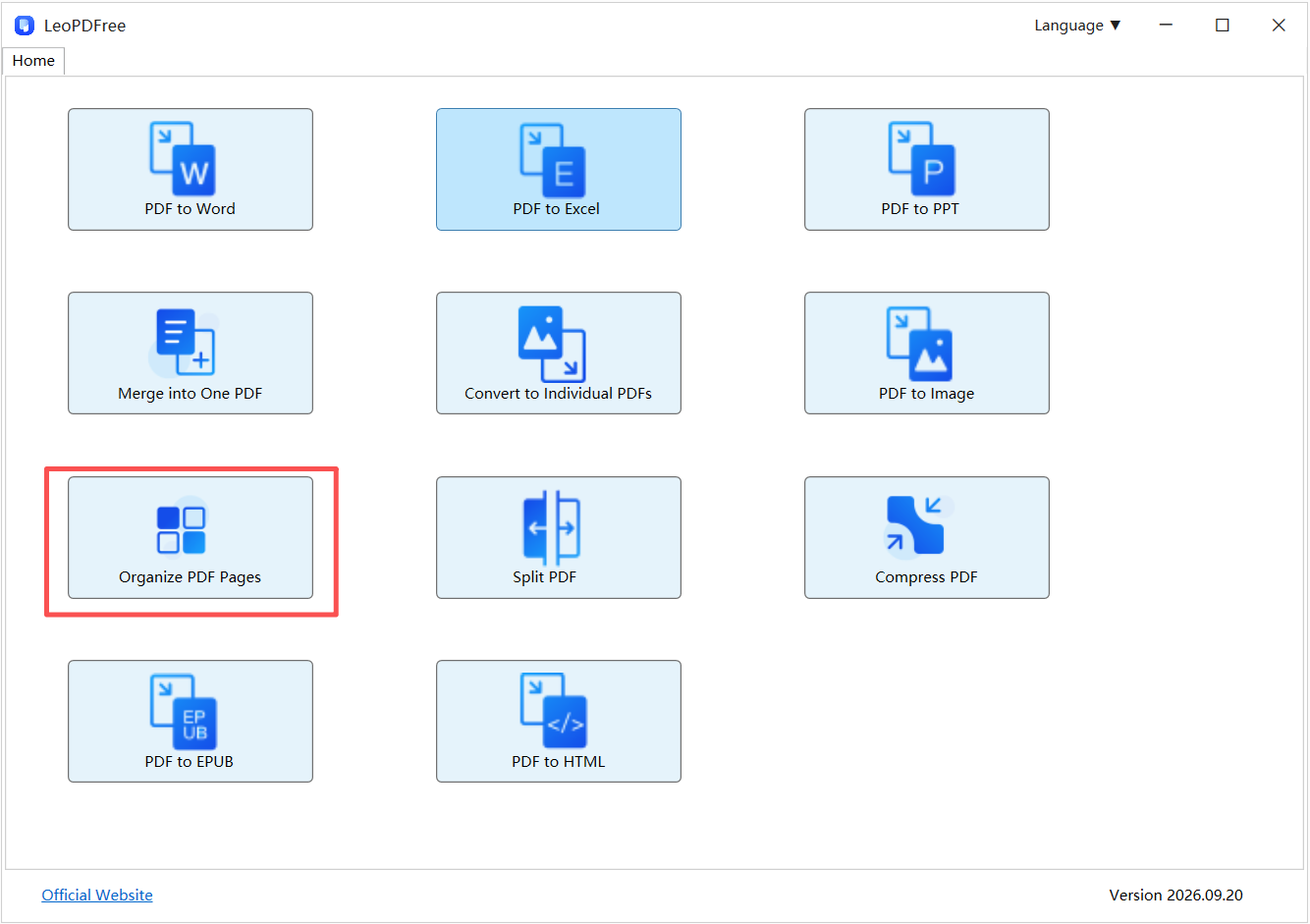
Delete → Extract → Reorder → Convert
Free DownloadSecure Download
For example, if a 150-page PDF contains only 100 useful pages, prepare those 100 pages before conversion instead of processing the entire document.
LeoPDF can help with the preparation stage. It supports deleting, extracting, reordering, splitting, merging, and compressing PDF files locally.
When Should You Convert?
| Document | Recommended |
|---|---|
| Novel | PDF → EPUB |
| Long-form text | PDF → EPUB |
| Simple manual | PDF → EPUB |
| Magazine | Usually keep PDF |
| Complex technical document | Depends |
| Form | Keep PDF |
The best candidate for conversion is a document where reading flexibility matters more than exact page design.
Final Takeaway
A good PDF-to-EPUB conversion is not about copying every page perfectly.
It is about turning fixed-layout content into a cleaner, more flexible reading experience.
Clean the source → Select the content → Convert → Check the result.
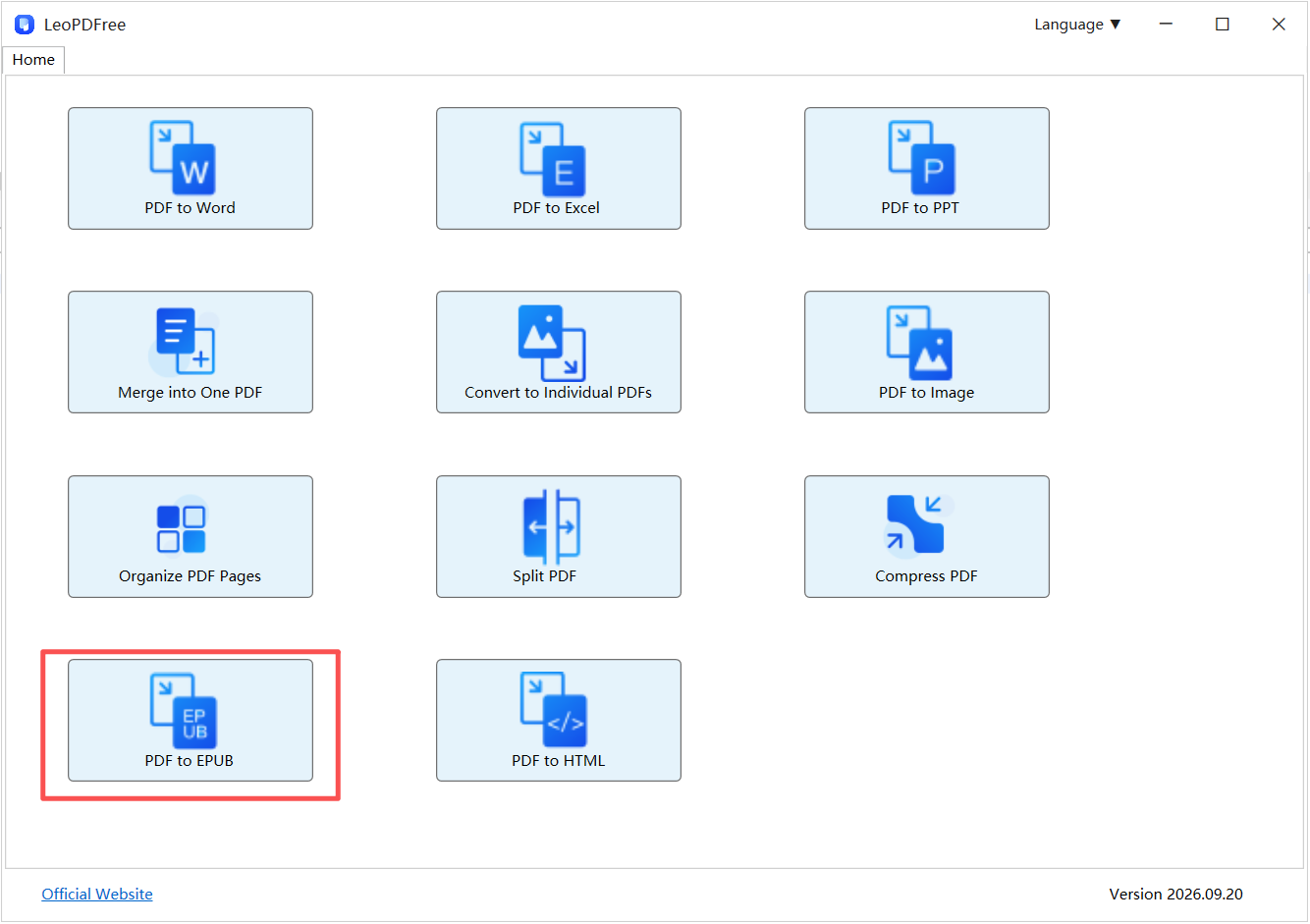
If the PDF needs editing before conversion, LeoPDF provides a free local way to prepare the file without relying on an online upload workflow.
