
Turning a PDF into an EPUB doesn’t have to mean buying expensive software.
The real question is whether your PDF is suitable for conversion—and whether you actually need to convert the entire document.
A 120-page PDF may contain only 60 pages worth keeping. Cleaning it up first can make the final EPUB smaller, cleaner, and easier to read.
First: What Kind of PDF Are You Converting?
📢 Not all PDFs behave the same way during EPUB conversion.
| PDF Type | Conversion Difficulty | EPUB Suitability |
|---|---|---|
| Text-based book | Low | Excellent |
| Simple report | Low | Good |
| Text + images | Medium | Good |
| Tables and charts | Medium | Fair |
| Multi-column document | High | Depends |
| Magazine-style layout | High | Limited |
| Scanned PDF | Very High | OCR may be required |
The key difference is structure.
A 100-page novel is mostly continuous text. A 100-page magazine may contain dozens of independent text blocks, images, columns, captions, and decorative elements.
Same page count, completely different conversion workload.
Don’t Convert More Than You Need
Here’s a simple example:
Original PDF: 120 pages
🔵 15 pages — unnecessary material
🔵 20 pages — appendices
🔵 10 pages — internal notes
🔵 75 pages — useful content
Instead of:
120 pages → EPUB
consider:
120 pages → 75 useful pages → EPUB
This isn’t just about reducing file size. It also reduces the amount of content that needs to be reorganized for an ebook.
Free Doesn’t Have to Mean Complicated
📢 For a one-time conversion, paying for a monthly subscription may not make much sense.
A practical workflow can be:
Clean → Select → Convert → Review
For example:
| Stage | Pages |
|---|---|
| Original PDF | 120 |
| After cleanup | 105 |
| Selected content | 75 |
| Final EPUB | 75 |
The goal isn’t simply to get an EPUB file.
The goal is to get an EPUB that contains exactly what you want to read.
Where LeoPDF Fits
📢 Before converting a PDF to EPUB, you may need to clean up the source document.
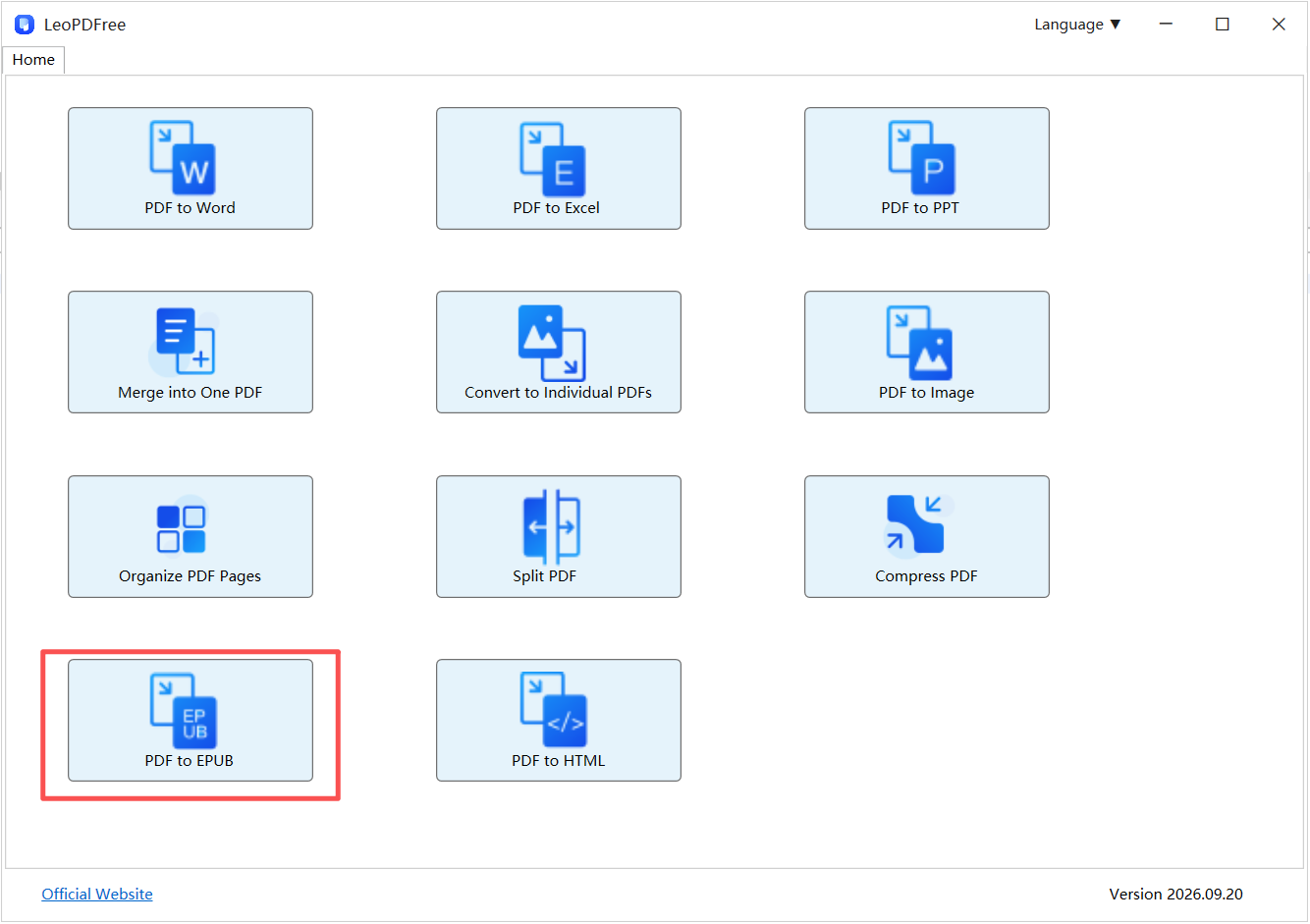
LeoPDF can handle those PDF preparation tasks locally. You can delete unwanted pages, extract selected pages, reorder content, split or merge PDFs, compress files, and convert PDFs to supported formats.
For example:
120-page PDF → Remove 15 pages → Extract 75 pages → Convert to EPUB
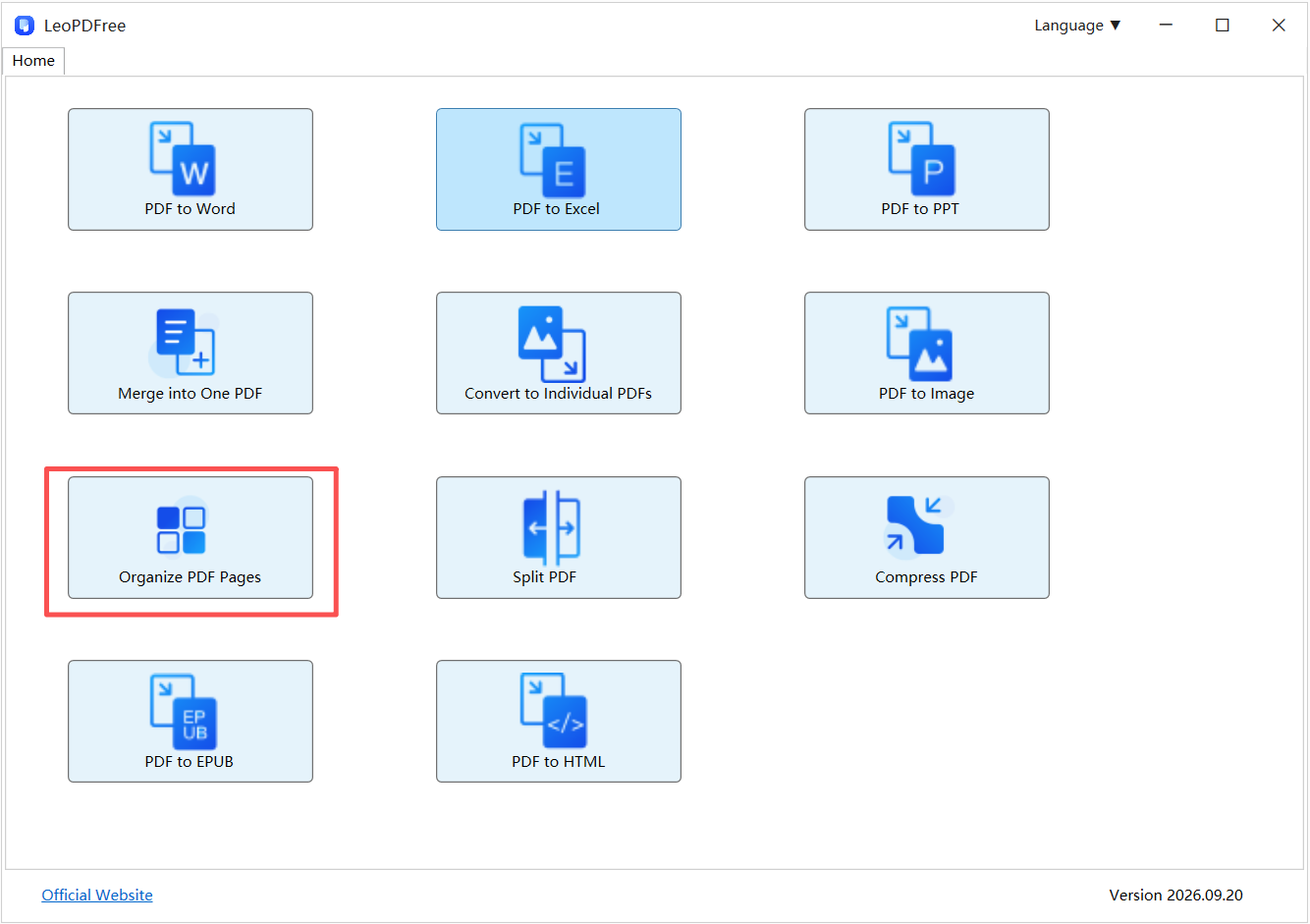
This workflow is useful for books, reports, manuals, and other long documents where you don’t need the entire PDF in the final ebook.
Because LeoPDF processes PDF files locally, you can prepare the source document on your computer instead of uploading it to an online PDF service.
Free DownloadSecure Download
PDF and EPUB Have Different Jobs
Don’t judge an EPUB by whether it looks exactly like the original PDF.
| Priority | Better Choice |
|---|---|
| Preserve exact page layout | |
| Resize text | EPUB |
| Read on a phone | EPUB |
| Read long-form text | EPUB |
| Preserve complex visual design | |
| Keep a print-ready copy |
PDF is designed around a fixed page.
EPUB is better suited to content that needs to adapt to different screens, font sizes, and reading environments.
That’s why a successful conversion may look different from the original while still being better for reading.
A Quick Quality Check
After conversion, spend a minute checking the EPUB.
Look at:
🔵 Chapter headings
🔵 Paragraph spacing
🔵 Images
🔵 Tables
🔵 Page breaks
🔵 Special characters
If the source PDF is heavily designed or scanned, some manual cleanup may be necessary.
For a text-based PDF, however, the conversion process is usually much simpler.
Final Takeaway
You don’t need to pay for an expensive converter just to create an EPUB from a suitable PDF.
The smarter approach is to prepare the PDF first, convert only the content you actually need, and then review the result.
120 pages → 75 useful pages → EPUB
Less unnecessary content means a cleaner source and a more focused ebook.
And if you need to organize the PDF before conversion, LeoPDF provides a free local option for deleting, extracting, reordering, splitting, merging, and converting PDF files.
Free DownloadSecure Download
