
Not all PDF splitters are created equal.
Many free tools can split a PDF into smaller files—but some also introduce new problems:
⏺ Blurry images
⏺ Broken formatting
⏺ Missing bookmarks
⏺ Unexpected compression
⏺ Reduced document quality
If preserving the original document matters, choosing the right PDF splitter is critical.
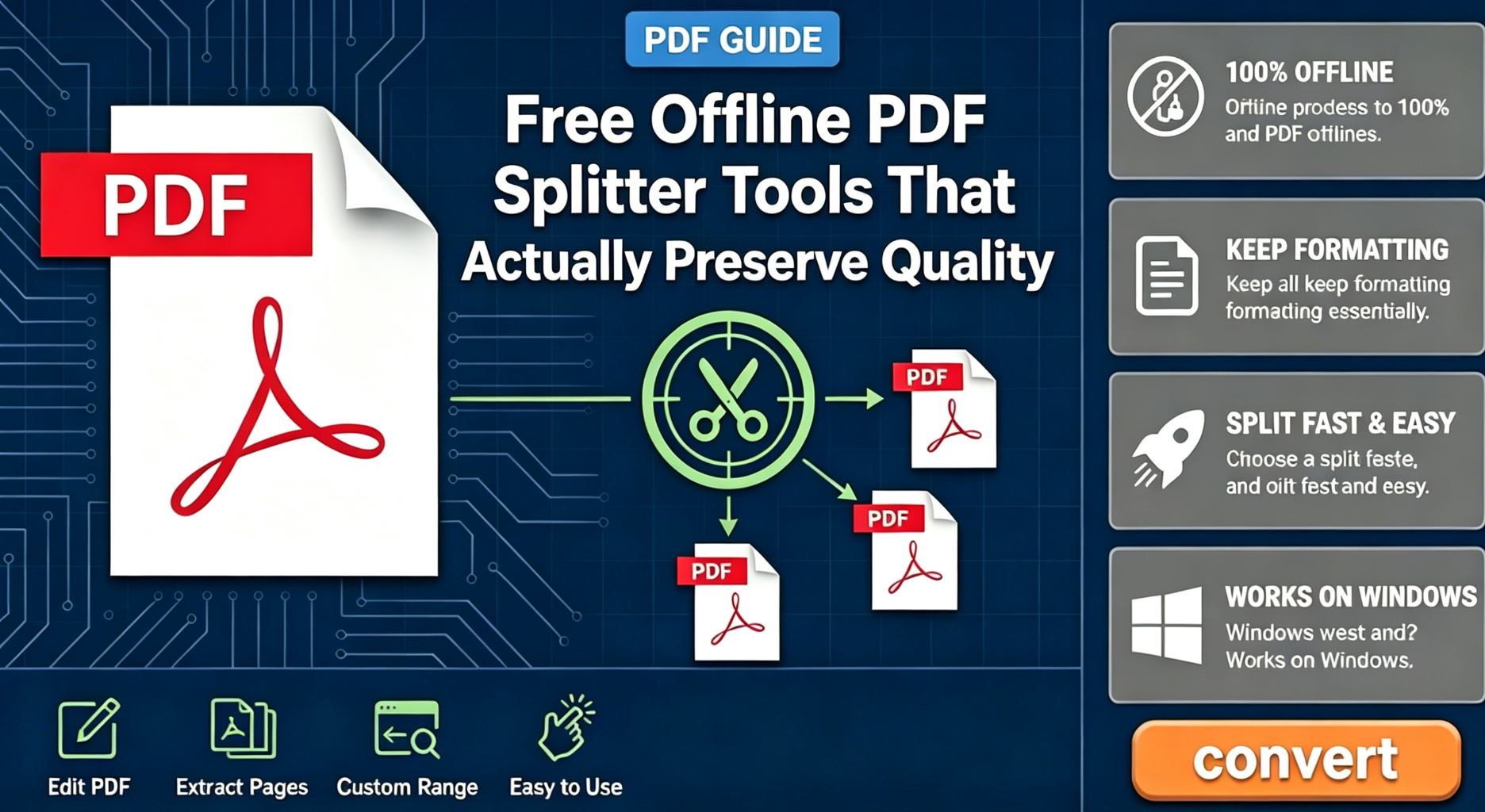
👉 Here are the best types of free offline PDF splitter tools that actually maintain document quality in 2026.
Why Quality Loss Happens During PDF Splitting
Technically, splitting a PDF should be simple.
The problem is that some tools don’t simply extract pages—they rebuild the PDF entirely.
When that happens, documents may suffer from:
⏺ Font substitutions
⏺ Image recompression
⏺ Layout shifts
⏺ Metadata loss
👉 The more processing involved, the greater the chance of quality degradation.
What a Good PDF Splitter Should Do
A professional PDF splitter should:
✔ Extract pages directly from the original document
✔ Preserve fonts and images
✔ Keep page layouts unchanged
✔ Maintain document structure
✔ Avoid unnecessary recompression
In short:
The best PDF splitter is often the one that changes the least.
Best Option for Most Users: Offline PDF Splitters
For everyday PDF workflows, offline tools offer the most reliable experience.
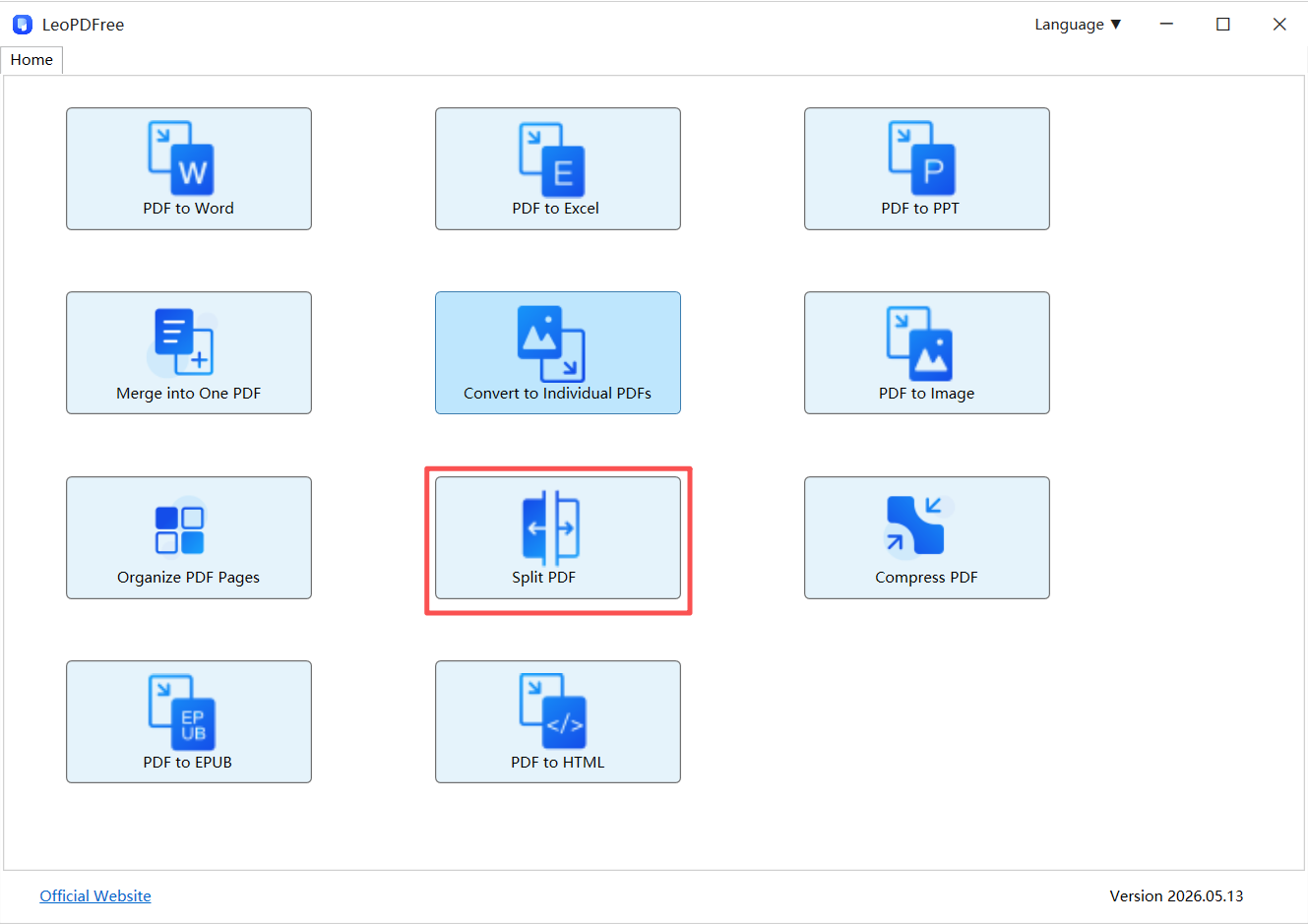
Tools like LeoPDF make it easy to:
⏺ Split PDFs by page range
⏺ Extract selected pages
⏺ Create multiple PDF files at once
⏺ Reorder pages before splitting
⏺ Preserve the original formatting
⏺ Use all features completely free
Free DownloadSecure Download
👉 Because processing happens locally, there is no need to upload files to external servers.
Why Offline Tools Usually Preserve Quality Better
| Offline Tools | Online Tools |
|---|---|
| No upload required | Upload required |
| Original files stay local | Files sent to servers |
| Better privacy | Potential data exposure |
| More stable processing | Internet-dependent |
| Better formatting retention | Compression risks |
👉 For large PDFs and business documents, local processing often produces more consistent results.
Common PDF Splitting Methods Compared
| Method | Quality Retention | Ease of Use |
|---|---|---|
| Screenshots | Poor | Medium |
| Online Splitters | Good | Easy |
| Offline PDF Tools | Excellent | Easy |
👉 The difference becomes especially noticeable when working with reports, contracts, presentations, or image-heavy PDFs.
Pro Tip: Extract Pages Instead of Rebuilding Files
Many users unknowingly recreate PDFs after splitting.
A better approach is:
👉 Extract the pages you need directly from the original file.
This helps preserve:
⏺ Fonts
⏺ Images
⏺ Page structure
⏺ Document quality
⏺ Internal formatting
Less processing generally means better results.
Who Should Use Offline PDF Splitters?
Offline PDF splitters are particularly useful for:
⏺ Businesses
⏺ Legal professionals
⏺ Students
⏺ Accountants
⏺ Researchers
⏺ Anyone handling sensitive documents
👉 If privacy and document integrity matter, offline tools are usually the safer choice.
Final Takeaway
If you’re looking for a free PDF splitter that actually preserves quality:
✔ Choose an offline LeoPDF splitter whenever possible
✔ Avoid unnecessary recompression
✔ Extract pages instead of rebuilding PDFs
✔ Keep sensitive documents on your own device
✔ Prioritize formatting retention over flashy features
Free DownloadSecure Download
👉 In most cases, the best PDF splitter isn’t the one with the most features.
It’s the one that preserves your original document exactly as it was.
