
Need to split a PDF without paying for expensive software?
You’re not alone.
Whether you’re organizing reports, extracting pages from contracts, or separating large PDF files into smaller sections, a reliable PDF splitter can save a significant amount of time.
After testing several popular options in 2026, here are the best free PDF splitter tools for Windows.
What Makes a Good PDF Splitter?
A quality PDF splitter should:
✔ Preserve the original formatting
✔ Maintain image quality
✔ Support large PDF files
✔ Be easy to use
✔ Protect your privacy
Most importantly, it should split files without rebuilding or damaging the document.
🥇 LeoPDF — Best Free Offline PDF Splitter
Best For:
Everyday PDF management
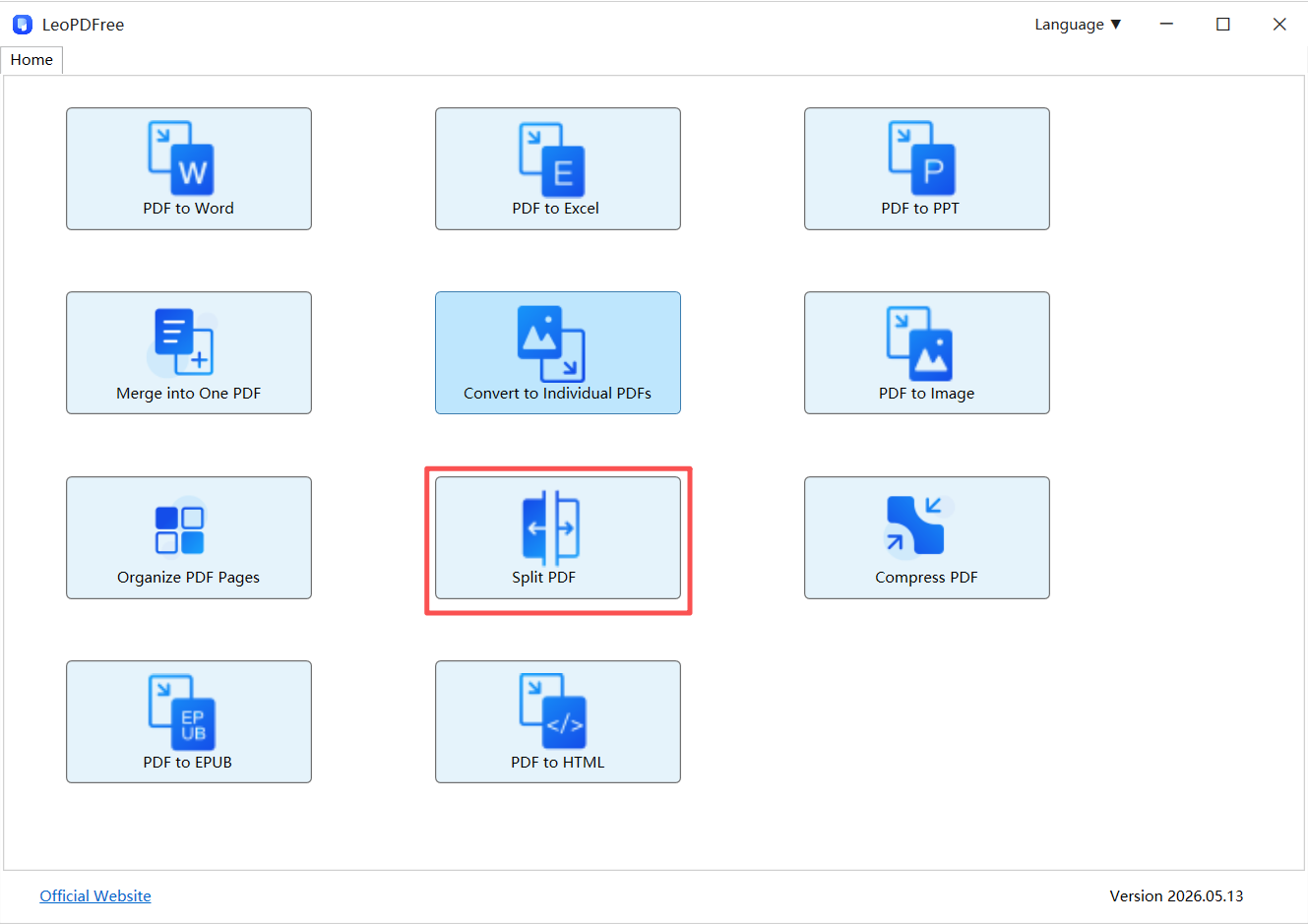
LeoPDF stands out because it focuses on simplicity and speed.
Key features include:
✔ Split PDFs by page range
✔ Extract selected pages
✔ Reorder pages before or after splitting
✔ Create multiple PDF files at once
✔ Preserve the original layout
✔ Completely free to use
Free DownloadSecure Download
Since everything is processed locally, files never need to leave your computer.
For users who value privacy and convenience, LeoPDF is one of the strongest free options available in 2026, It’s also available for Mac and iOS.
🥈 PDFsam Basic
Best For:
Advanced splitting tasks
PDFsam Basic offers:
✔ Split by bookmarks
✔ Split by file size
✔ Batch processing
✔ Merge and split workflows
While powerful, the interface may feel slightly technical for beginners.
🥉 PDF-XChange Editor
Best For:
Users who need additional PDF editing features
Besides splitting PDFs, it also supports:
✔ Annotation
✔ Text editing
✔ Document markup
✔ Page management
It’s feature-rich but can be overwhelming if your only goal is PDF splitting.
Quick Comparison
| Tool | Best For | Ease of Use | Offline |
|---|---|---|---|
| LeoPDF | Everyday use | Excellent | Yes |
| PDFsam Basic | Advanced workflows | Good | Yes |
| PDF-XChange Editor | Editing + splitting | Good | Yes |
Why Offline Tools Are Winning Again
Many online PDF splitters require users to upload documents to remote servers.
That can create concerns around:
▪ Privacy
▪ Security
▪ Upload limits
▪ Large file handling
Offline tools avoid these issues entirely.
Offline vs Online PDF Splitters
| Offline Tools | Online Tools |
|---|---|
| No upload required | Upload required |
| Better privacy | Files leave your device |
| Faster for large files | Internet-dependent |
| More stable | Browser limitations |
For business documents and sensitive files, offline tools are often the better choice.
Common Mistakes to Avoid
❌ Using screenshots
Screenshots convert PDFs into images and destroy document structure.
❌ Repeated exporting
Multiple exports can introduce formatting inconsistencies.
❌ Choosing tools based only on marketing claims
The best PDF splitter is usually the one that preserves the original file with the fewest changes.
Final Verdict
If you’re looking for the best free PDF splitter for Windows in 2026:
🥇 LeoPDF is the best choice for most users thanks to its simplicity, offline workflow, and completely free feature set.
🥈 PDFsam Basic is ideal for advanced splitting scenarios.
🥉 PDF-XChange Editor is a solid option if you also need PDF editing tools.
👉 At the end of the day, the best PDF splitter isn’t the one with the most features—it’s the one that keeps your PDF intact while getting the job done in seconds.
